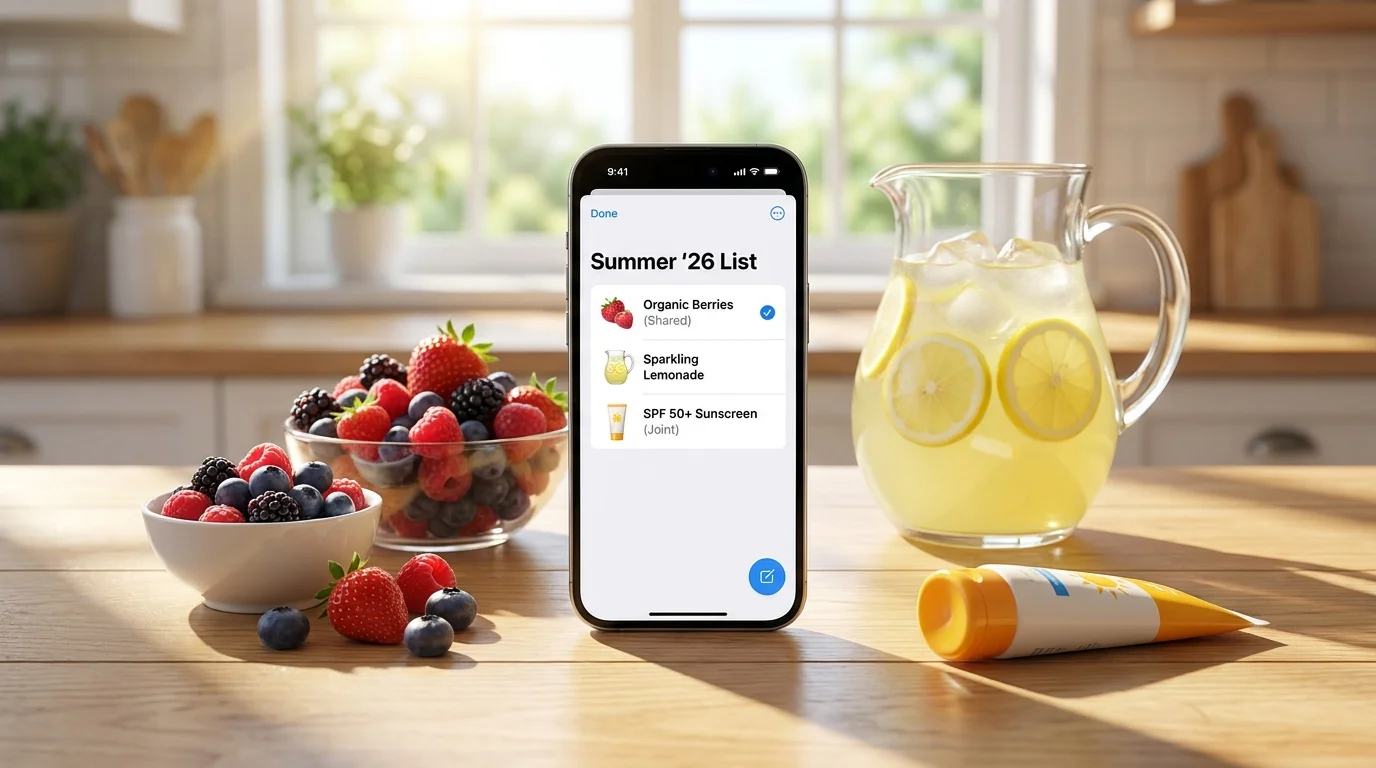

Shopping List in Notes vs. Couples App: Which Is More Convenient
In short: for one-time purchases and a personal list, notes are sufficient, but for regular joint shopping, a couples (or family) app with synchronization and real-time 'purchased' checkmarks is more convenient. In scenarios like 'one writes — the other buys,' 'both in the store,' and 'multiple people on one list,' notes more often lead to duplicates, omissions, and confusion. So the choice is simple: notes when you're alone, an app when you're together.
What's the Main Difference: Personal Note vs. Shared Process
Notes are essentially a text document. You write down items, sometimes share a link or enable shared access, and everything relies on the participants' diligence.
A couples app is not 'text' but a shopping process: adding, assigning, marking 'in cart/purchased,' synchronization, and history. It helps avoid forgetting, buying duplicates, and arguing over who already got what.
If you're looking for an answer to the query 'shopping list in notes vs. couples app,' the key criterion is how many people use the list and how often. The more collaboration and repetition, the more a specialized solution wins out.
Comparison Table: Notes vs. Couples App
Below is a practical comparison based on criteria that actually affect convenience in the store and at home.
| Criterion | List in Notes | Couples/Family App |
|---|---|---|
| Real-time synchronization | Sometimes available, but can have delays and conflicts | Usually a basic feature: updates are instant |
| 'Purchased' checkmarks | Checkboxes not always available; easy to mess up formatting | Reliable checkmarks, often with auto-move and history |
| Duplicates and errors | Common: two people add the same item | Fewer: changes are visible, with grouping/search |
| Collaborative editing | Depends on the service; conflicts possible | Designed for collaboration: roles, lists, participants |
| Convenience in the store | Fine as long as the list is short | Better for long lists and parallel shopping |
| Recurring purchases | Need to manually copy/rewrite | Often has templates/history, easier to repeat |
| Access and entry | Need to share a link/access | Usually an invitation via link or messenger |
| Privacy | Depends on the cloud and access settings | Depends on the service; important to read the policy |
When Notes Are Actually More Convenient
Notes win with simplicity: open — write — go. If you're managing the list alone and don't need coordination, this is the fastest option.
Notes are especially good in three situations:
- Single shopper and short list: 5–10 items for today.
- One-time purchase: 'buy everything for a picnic,' no repeats.
- Weak internet: offline notes can help (if the app doesn't support offline).
But as soon as a second participant appears, notes start depending on discipline: who updated, who saw, who didn't overwrite others' edits. And that's where the comparison 'shopping list in notes vs. couples app' usually ends in favor of the app.
Where the Couples App Wins: Collaboration Without Chaos
The strong point of couples apps is collaborative actions, not just shared text. You see changes immediately, mark items as purchased, and the list itself 'guides' you through the process.
Typical scenarios where the app is noticeably more convenient:
- 'One adds — the other buys': you remember at home, your partner is already in the store and sees updates.
- Shopping together in one store: divide departments, mark items, don't buy the same thing.
- Multiple participants: family, neighbors, shared rental — one list for everyone.
- Long lists: easier to search, sort, and not lose important items.
If you need a convenient shared list right in a messenger, you can try Pickt — a free mini-app in Telegram for shared shopping lists with real-time synchronization: t.me/PicktBot/app. This is especially convenient when you don't want to install a separate app and explain to everyone where to click.
Practical Selection Criteria: Speed, Control, Habits
To decide which is more convenient — notes or a couples app — go through the criteria below. Each point addresses a real pain point that arises in daily life.
1) Speed of adding
In notes, adding is fast as long as the list is small. In a couples app, the speed is compensated by not spending time clarifying in chat and fixing errors afterward.
2) Control over 'what's already bought'
In notes, checkmarks are easy to 'break': someone deleted a line, someone used a symbol instead of a checkbox, someone didn't update. In an app, a checkmark is an action that syncs and is visible to everyone.
3) Collaborative editing without conflicts
Even if notes support shared access, edit conflicts and delays happen. Couples apps are usually designed so that multiple people can edit the list simultaneously without losses.
4) Repetition and routine
If you buy the same things every week, notes turn into endless copying. Apps often have history, quick repeats, and convenient handling of 'permanent' items.
5) Entry barrier for all participants
If someone finds it hard to install new apps, the Telegram Mini App format can be a compromise: open a link — and the list works. For example, Pickt runs directly inside Telegram via @PicktBot, without separate installation.
Typical Problems with Notes and How to Avoid Them (If You Still Choose Notes)
Sometimes notes are a conscious choice. Then it's important to set them up to minimize chaos.
- Duplicates: agree that one person adds, and the other only marks purchased items.
- Loss of relevance: use one shared document and pin the link in the chat.
- Mixing categories: organize the list by departments (vegetables, dairy, groceries) — fewer omissions.
- Accidental deletions: don't delete purchased items right away; better move them to a 'Purchased' section at the bottom.
These rules help, but they require discipline. If discipline doesn't stick, it's easier to switch to a shared shopping app.
What to Choose: Recommendations for Different Cases
Below is a quick choice without extra theory.
- You shop alone and the list is short → choose notes. This is the fastest way to 'write and go.'
- You live together and often shop in turns → better a couples app: fewer clarifications, fewer forgotten items, more transparency on 'who bought what.'
- You go to the store together → a couples app is almost always more convenient: real-time checkmarks reduce duplicates and speed up shopping.
- Family/neighbors, 3+ participants → an app for shared lists. In notes, scaling quickly breaks down.
- You don't want separate installations and logins → try the format inside a messenger. For example, Pickt as a Telegram Mini App is suitable for a shared shopping list with synchronization between participants: t.me/PicktBot/app.
The bottom line of the comparison 'shopping list in notes vs. couples app': notes are about personal speed, the app is about shared control. The more collaboration, the higher the value of synchronization and statuses.
Frequently Asked Questions
Is it true that notes can also be 'shared' and that's enough?
Sometimes — yes, if there are two of you, the list is small, and you rarely edit simultaneously. But with parallel edits and long lists, duplicates and omissions more often appear because notes are a document, not a shopping scenario.
What's more convenient in the store: notes or a couples app?
If you're alone in the store, the difference is small. If you're together or the list is updated on the go, the app is more convenient due to 'purchased' checkmarks and real-time synchronization.
Which option is better for a weekly family shopping list?
For regular weekly shopping, a shared shopping app is usually better: easier to repeat items, see relevance, and distribute purchases among participants.
Can I keep a shared shopping list directly in Telegram?
Yes, there are Mini Apps. For example, Pickt is a free mini-app in Telegram for shared shopping lists that works via the bot @PicktBot and opens at the link t.me/PicktBot/app.
Conclusion. Notes remain an excellent tool for personal tasks and one-time purchases. But if you want fewer messages, fewer errors, and more transparency, a couples or family app makes a shared shopping list clear and manageable — especially when two or more people are involved.