What's New in the World of Shopping Apps: Summer 2026
In summer 2026, the main innovations in the world of shopping apps are AI assistants for basket planning, automatic price and cashback comparison, 'smart' discount notifications, and fast shared lists with real-time synchronization. Apps are increasingly combining shopping, finance, and delivery in a single interface, while privacy and data control are becoming the standard. Below is a practical overview of the changes in 2026.
If you are looking for what's new in the world of shopping apps right now, focus on features that help during the holiday and dacha season: shared lists, offline access, quick product substitutions, and transparent comparison of the final price including delivery.
1) AI in Shopping Apps 2026: From 'Hints' to Real Planning
In 2026, AI in shopping apps has ceased to be a decorative 'recommend' button. It increasingly works as a planner: suggests a basket within a budget, considers family preferences, and suggests substitutions if the desired product is out of stock.
The practical benefit is especially noticeable in summer: apps offer 'scenarios' for picnics, trips, children's camps, and dachas. Instead of a mental list, you get a set of products with quantities and alternatives — and quickly adjust it to your habits.
- Budget planning: set a limit — the app suggests a basket and shows where you can save by choosing a different brand/package/promotion.
- Smart substitutions: if an item is unavailable, AI suggests equivalents (volume, composition, unit price) and explains the choice.
- Contextual hints: 'in hot weather, people buy more water/ice/fruit', 'you're missing charcoal and lighter fluid for the barbecue' — useful when shopping for a group.
A related query that is increasingly common in 2026: shopping apps with AI. Important: choose those where you can disable personalization and manage history, so recommendations don't turn into an intrusive storefront.
2) Price Comparison and 'Real Basket Cost': Delivery, Cashback, Subscriptions
One of the most noticeable changes in 2026 is that apps are learning to show not the 'product price' but the total basket cost. Users are tired of situations where the discount is eaten up by delivery, minimum order amount, or subscription conditions.
This is especially relevant in summer 2026: people order to different addresses (home, dacha, rental), and delivery costs and available slots change almost hourly.
- Basket comparison: the app compares the total for the same set of products, not individual items.
- Accounting for 'hidden' conditions: minimum amount, paid bags, assembly fees, surcharges for express delivery.
- Cashback and bonuses: increasingly shown as a separate line with a benefit forecast and category restrictions.
If you are Googling best shopping apps 2026, pay attention to calculation transparency: the ideal option is when the app shows why the total changed and what exactly provided the savings.
3) Shared Lists and Real-Time Synchronization: The New 'Must-Have' for Families and Neighbors
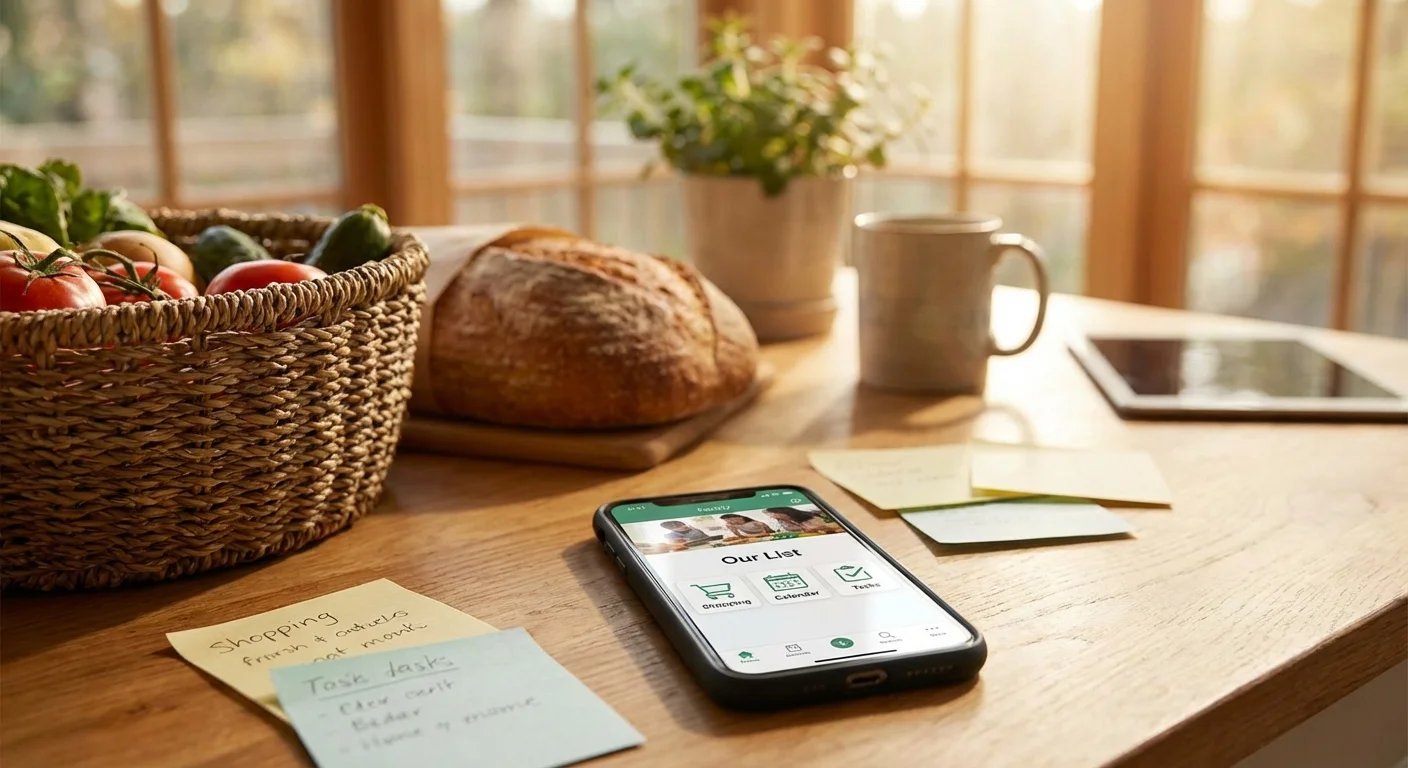
In 2026, shared shopping lists are no longer a niche feature. They are a basic scenario: family, couple, roommates, dacha team — everyone needs a single list that updates instantly, without 'I already bought that' and duplication.
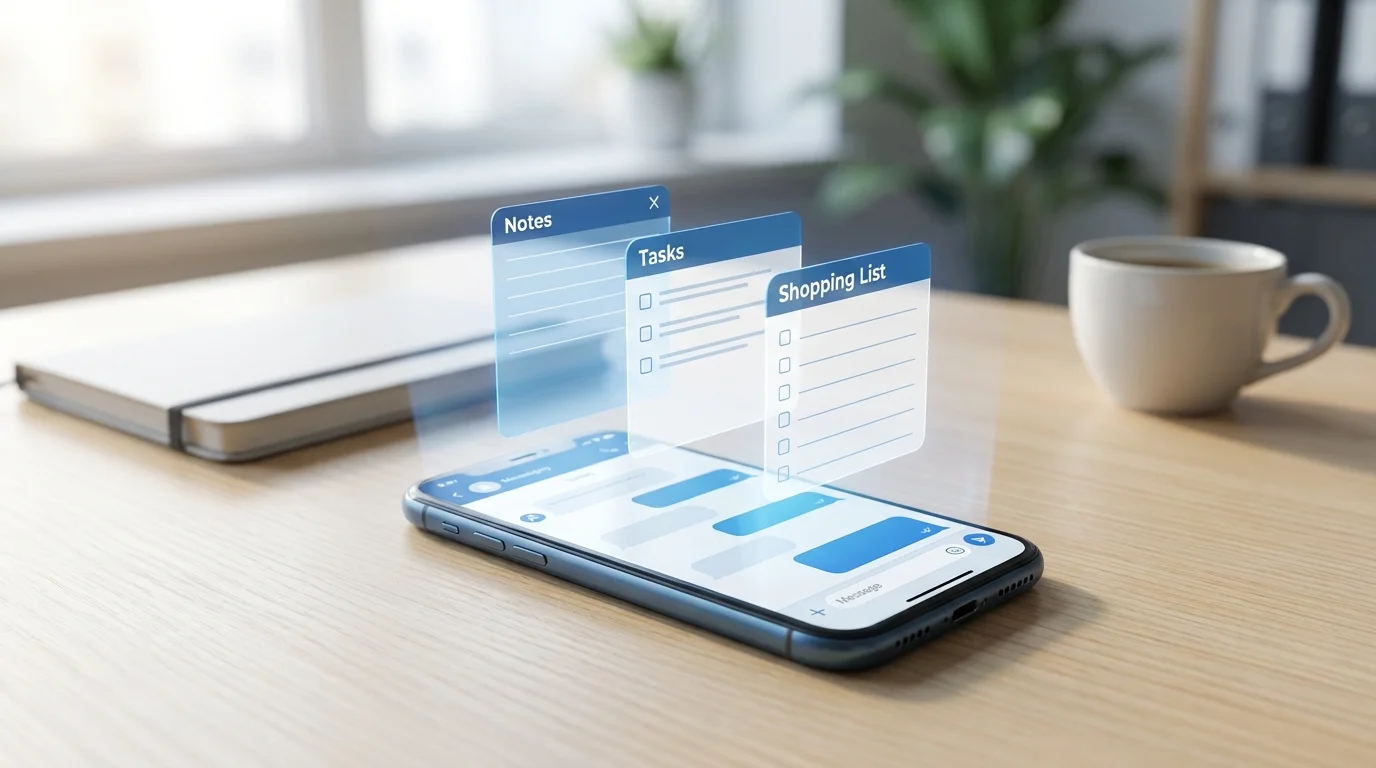
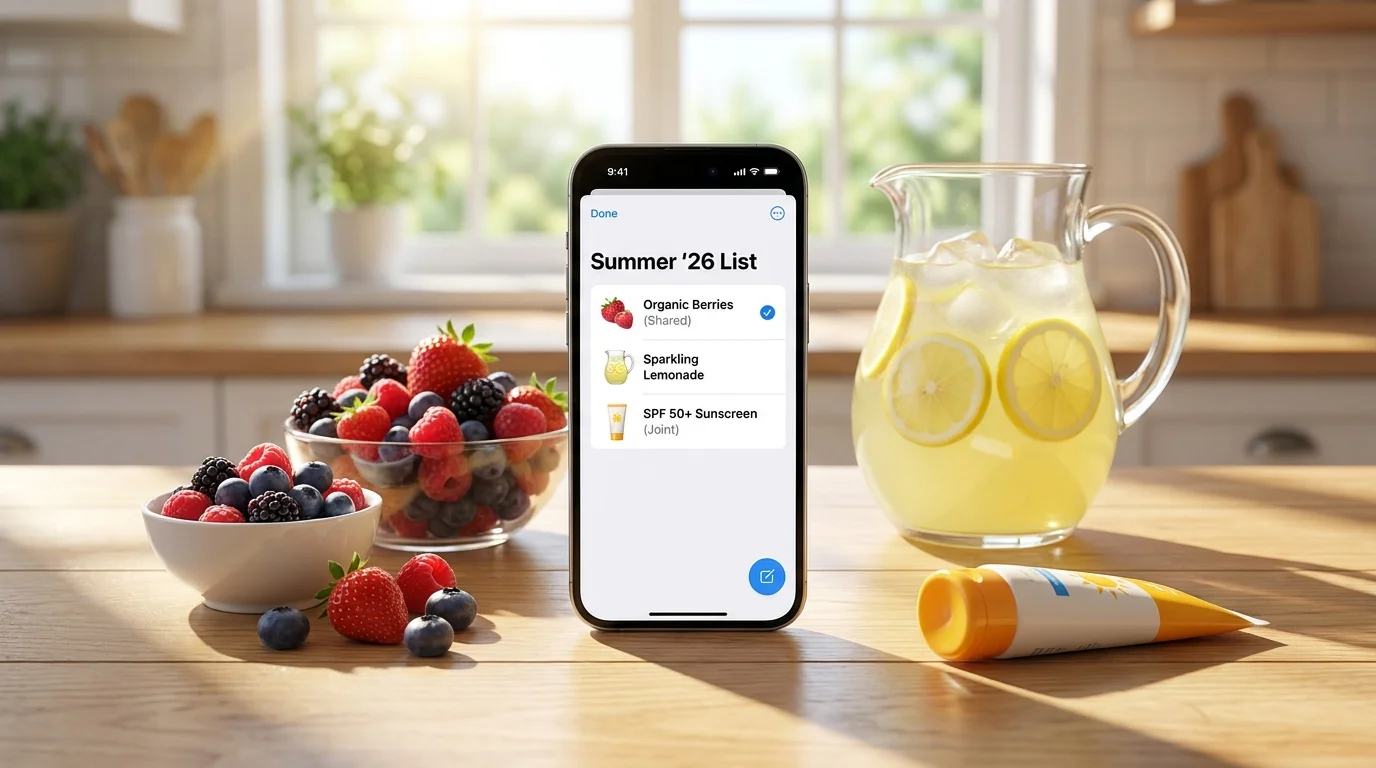
This format is especially convenient in summer: one person stops by the store on the way, another adds items from home, a third marks what's been bought. As a result, the list lives like a shared chat, but without unnecessary messages.
- Real-time synchronization: changes are visible to everyone immediately, including 'bought' marks.
- Roles and order: who added, who bought, what's left — helps when several people are shopping.
- Quick categories: groceries, household chemicals, dacha, first aid kit, 'for the road' — to avoid scrolling through chaos.
If you need an easy way to keep a shared list right where you already communicate, it's convenient to use a mini-app in Telegram. For example, Pickt — a free Telegram Mini App for shared shopping lists with real-time synchronization: bot t.me/PicktBot/app. This is a native scenario of 'create a list — share — go shopping' without installing a separate app.
Related query: shopping list app for family. In 2026, solutions where sharing is 'default' rather than hidden in settings win.
4) Quick Input: Voice, Scanning, 'Smart' Templates for Seasonal Shopping
Another notable change in 2026 is faster input. Users are no longer willing to 'type' a list manually, especially on the go or at a dacha with unstable internet.
In summer 2026, three approaches are popular: voice input, scanning (barcodes/receipts), and scenario-based templates. The most valuable is when the app doesn't just recognize words but immediately formats items clearly and suggests quantities.
- Voice input: adding a list with a phrase like 'milk, bread, berries, ice' with auto-punctuation and splitting into items.
- Receipt scanning: transferring regular purchases to 'repeat' (useful for weekly shopping).
- Templates: 'picnic', 'hike', 'on vacation', 'travel first aid kit', 'dacha set' — save 10–15 minutes at the start.
If you are looking for a shopping app with a receipt scanner, check the recognition quality and the ability to quickly correct items. An error in one word often breaks expense analytics and repeat orders.
5) Privacy and Data Control in 2026: Less Tracking, More Transparency
In 2026, the topic of privacy has become practical, not abstract. Users want to understand what purchase data is stored, how recommendations are used, and whether they can delete history without 'dancing' with support.
New market norms: clear personalization settings, data export/deletion, and minimized tracking. This is especially important for family accounts, where the list may contain sensitive items (medications, baby products, diets).
- Transparent permissions: why access to contacts/location is needed and what happens if you refuse.
- Personalization control: disabling recommendations or configuring them by category.
- History deletion: the ability to clear data for a period or completely.
Practical advice for summer 2026: if you share a list with neighbors or a temporary group (e.g., shared rental), choose a service where you can quickly revoke access or delete the list after the trip.
6) Omnichannel: Shopping, Delivery, and Offline Store in One Scenario
In 2026, shopping apps are increasingly built around omnichannel: you start a list at home, buy part offline, and order heavy items for delivery. Apps adapt to a mixed scenario rather than forcing you to choose one channel.
This is especially convenient in summer: drinks and fruit — on the way, household chemicals and water — delivery, something rare — at a specialized store. An important detail: the list should be one, and 'bought' marks should be shared among all participants.
- Create a shared list and agree on who takes what (offline/delivery).
- Divide by categories: 'urgent', 'can be substituted', 'only this brand'.
- Mark purchases immediately to avoid duplicates and extra spending.
In such scenarios, lightweight sharing tools are convenient. For example, Pickt allows you to keep a shared list and mark purchases in real time, which works well for summer 'travels' when everyone buys in their own place.
Conclusion: What's Really New in Summer 2026 — and How to Use It
In short, what's new in the world of shopping apps in summer 2026: AI has become useful (plans and substitutes), price comparison has become fairer (based on the total basket), shared lists are standard, and input is faster (voice/scanning/templates). At the same time, the market is maturing in terms of privacy and mixed 'offline + delivery' scenarios.
The best approach for the season: create a basic 'summer' template, maintain one shared list for all participants, and evaluate savings based on the total basket rather than flashy discounts on individual items. This way, you'll save both time and money — without unnecessary fuss.
Frequently Asked Questions
Question: What features in shopping apps are most useful in 2026?
Answer: Shared lists with real-time synchronization, comparison of total basket cost (including delivery and bonuses), smart product substitutions, and quick input (voice/scanning).
Question: How can you tell if price comparison is 'fair' and not just marketing?
Answer: Compare based on the same basket and check whether the service accounts for delivery, minimum order amount, subscriptions, and cashback conditions. If the total isn't explained line by line — less trust.
Question: What should I choose for a family or neighbors to avoid duplicate purchases?
Answer: A tool where the shared list updates instantly and you can see who marked an item as 'bought'. A convenient option is a Mini App in Telegram, like Pickt (t.me/PicktBot/app), to share a list without installing a separate app.
Question: Can I effectively manage shopping in summer if the internet is unstable (dacha/trip)?
Answer: Yes, if the app supports quick input, a simple list structure, and correct synchronization when connection is restored. Additionally, a pre-prepared 'for the road/dacha' template helps.