
How Telegram Replaces Dozens of Apps: Everything in One Messenger
Not long ago, a phone was a collection of disparate icons: a separate app for notes, another for tasks, yet another for shopping, and so on. Today, the scenario is increasingly different: you open Telegram and solve half of your daily and work-related issues without leaving the messenger.
This is not magic or a trend for the sake of a trend. The Telegram ecosystem has grown from a combination of simple things: fast chats, convenient search, channels, bots, and mini-apps. As a result, Telegram is becoming an 'operating system' for everyday tasks—and truly works as a replacement for apps.
Below is a practical breakdown of which app categories Telegram can already replace, why it's convenient, and how to build your own 'everything in Telegram' approach to avoid drowning in chats and notifications.
Why Telegram is Turning into an Ecosystem, Not Just a Messenger
The main reason is a single entry point. You don't switch between different services and accounts: most actions start in one window, and then it's either a chat, a bot, or a mini-app.
The second reason is speed. Telegram opens quickly, works well on low-powered devices, and doesn't require a 'long load' for each separate app. When a task takes 30 seconds, extra steps become annoying—and that's where Telegram wins.
The third reason is flexibility. Bots automate routine tasks, and mini-apps within Telegram cover more 'app-like' scenarios: interface, buttons, lists, synchronization, payment. This is how the Telegram ecosystem is formed, where replacing apps becomes not a compromise, but a convenient choice.
Communication and Content: Messenger, Social Network, and News Feed in One
The most obvious is communication. But Telegram has long been about more than just texting: voice and video calls, group chats, discussions, reactions, pins, and topics make it a communication hub for family, friends, and teams.
Channels and folders are almost a personal media feed. You read news, collections, professional blogs, and service notifications in the same place where you communicate. As a result, 'everything in Telegram' is not a slogan, but a real habit: one interface for communication and content consumption.
Practical tip: create folders for different scenarios (e.g., 'Work', 'Home', 'News') and disable unnecessary notifications in channels. This way, Telegram will help, not distract.
Notes, Files, and a Personal Knowledge Base: When Telegram Replaces 'The Cloud'
Many use 'Saved Messages' as quick notes: it's convenient to throw links, photos of receipts, voice ideas, documents, and message drafts there. Plus, word search works—and this is often faster than remembering which app you saved something in.
If you forward files to yourself, Telegram becomes a mini-cloud: documents remain at hand on your phone and computer. For everyday tasks, this is enough: instructions, warranty cards, lists, text templates.
To avoid turning 'Saved Messages' into a dump, use a simple order: one message—one topic, and pin important blocks. If necessary, you can maintain a separate personal channel as an 'archive' with categories.
Planning and Routine: Bots and Mini-Apps as App Replacements
The strongest argument in favor of the Telegram ecosystem is automation. Where you used to install a separate habit tracker, reminders, task manager, or planner, now a bot or mini-app is often enough.
Scenarios that work particularly well in Telegram:
- Reminders and Schedules: quick input, notifications, recurring events.
- Team Tasks: assigning tasks right in the chat, without a separate task manager for small things.
- Appointments and Bookings: when a business handles bookings via a bot, you don't need to install the salon or studio's app.
- Support and Service: order statuses, answers to questions, simple forms—all in a dialogue.
It's important to understand the boundary: large projects still need a full-fledged task manager or CRM. But for daily routine, Telegram often becomes the best app replacement—because starting an action takes seconds.
Mini-apps inside Telegram add what bots lack: a visual interface, lists, buttons, real-time synchronization. This is especially noticeable in everyday scenarios—for example, when you need to quickly coordinate a list with other people.
Shopping and Everyday Arrangements: How to Do 'Everything in Telegram' Without Chaos
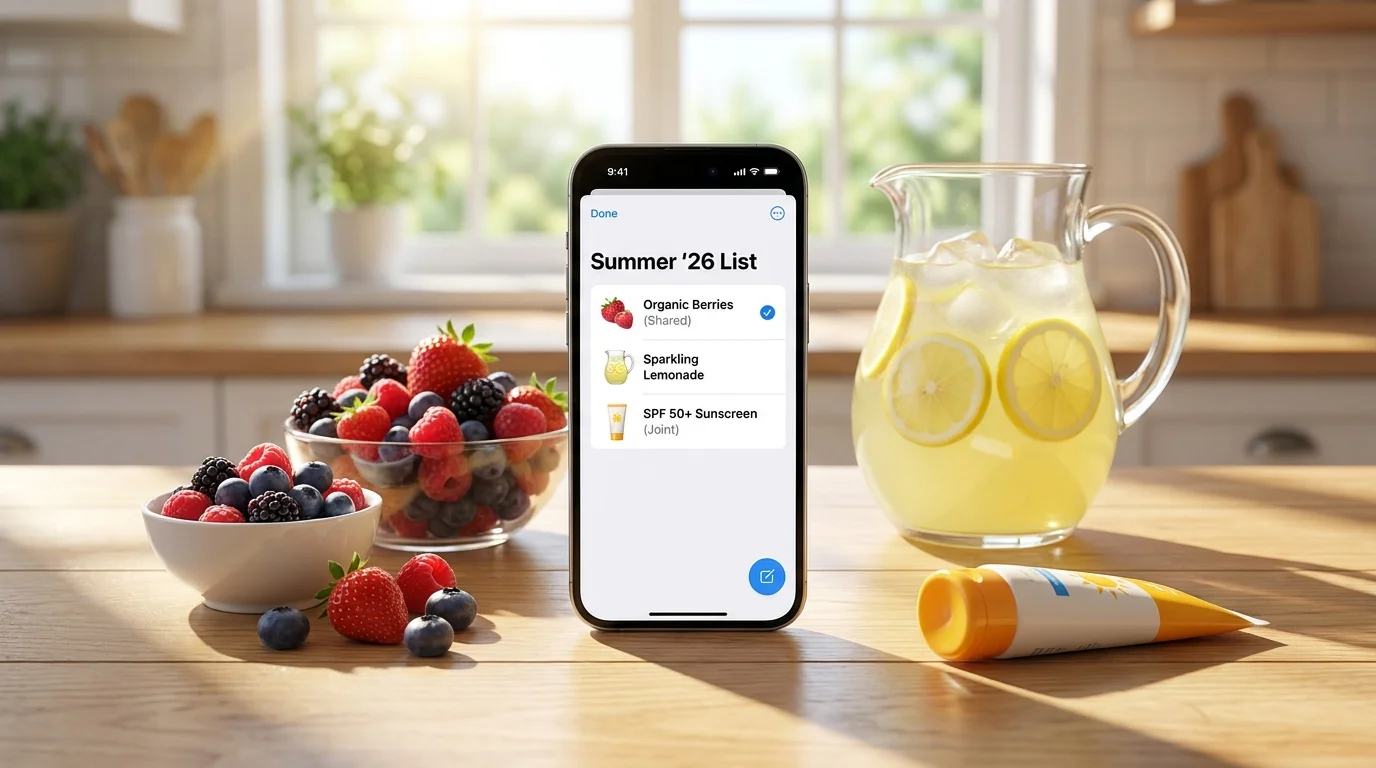
One of the most common reasons people get tired of dozens of apps is everyday small tasks. A shopping list, what to buy at the pharmacy, what's needed for dinner, who's bringing what to the picnic. Seems simple, but it constantly pops up throughout the week.
Usually, everything falls apart across several channels: one person writes in the chat, another saves it in notes, a third buys 'by eye'. And in the end, you either buy extra or forget something important.
For Telegram to truly work as an app replacement, it's useful to choose one clear process. Here's a short checklist that helps bring order:
- One Source of Truth: the list is maintained in one place, not in the chat history or different notes.
- Short Names: 'milk 2 l', 'eggs 10', 'coffee beans'—without long explanations.
- Context Separation: groceries, household chemicals, pharmacy—at least at the grouping level.
- 'Bought' Mark: to avoid asking again or buying duplicates.
- Instant Updates: add items immediately when you remember, not 'later'.
Another practical list—what to set up in Telegram so that household chats don't interfere with work:
- Create a 'Home' folder and put family and household chats there.
- Disable notifications for non-essential groups, leaving important ones on.
- Pin key chats to the top so you don't have to search for them every time.
This way, the 'everything in Telegram' approach becomes convenient: you don't lose information and don't have to remember exactly where a needed list or agreement is.
Conclusion
The Telegram ecosystem is not an attempt to replace the entire smartphone with one app at any cost. It's about reducing unnecessary actions: fewer installations, fewer accounts, fewer switches, and more tasks solved where you already spend your time.
When Telegram becomes the center of communication, notes, files, and everyday processes, app replacement happens naturally. The main thing is to choose a few scenarios that are truly problematic and translate them into a clear 'everything in Telegram' flow.
If you want to manage shared shopping lists right in Telegram and see changes instantly, you can try Pickt—a free mini-app for lists with real-time synchronization: t.me/PicktBot/app. This is convenient when several people are managing a list and it's important for it to always be up-to-date.