How to Track Grocery Spending in a Telegram Bot: A Step-by-Step Guide
To understand how much you spend on food, it's enough to keep a shared shopping list and record amounts directly in the chat: this way you'll see total expenses, spending by category, and be able to split bills between participants. Essentially, this is the answer to the query 'how to track grocery spending in a Telegram bot': add a purchase, specify the amount, note who paid, and regularly review the totals. Setting up and making the first entries usually takes 5–10 minutes and 5 steps.
Step 1. Define the tracking rules: what to count and how often
This step is necessary to ensure that tracking grocery expenses in Telegram is consistent, not a 'remember once a month and then abandon it' approach. Agree on simple rules upfront — then the numbers will be comparable and useful.
Choose a tracking period. The most convenient options are a week or a month. For a family, a month often works; for a couple, a week (overspending becomes visible faster).
Define what counts as 'groceries'. For example: food, drinks, household chemicals, home goods. Or strictly only food — the key is that all participants understand it the same way.
Decide how to record purchases. Minimum: amount and who paid. Better: amount + store + category (vegetables, meat, dairy) + comment (if any).
Set the recording moment. Ideally, right after checkout. If you put it off, some receipts will be lost, and tracking food expenses in Telegram will become inaccurate.
A related query often searched alongside this topic: 'how to budget for groceries'. The answer almost always comes down not to the 'perfect app', but to clear rules and discipline.
Step 2. Create a shared list and add participants
To track grocery spending in a Telegram bot not alone, but together (family, couple, roommates), you need a shared framework: one list and several participants. This way you see the full picture, not scattered purchases.
Create a shared shopping list. The logic is simple: a list is a 'container' where items and related expenses go.
Add participants. It's important that everyone can mark what was bought and record the amount. This avoids the situation where 'one paid, but the other remembers'.
Agree on roles. For example, one person does a final reconciliation once a week, but anyone can add purchases.
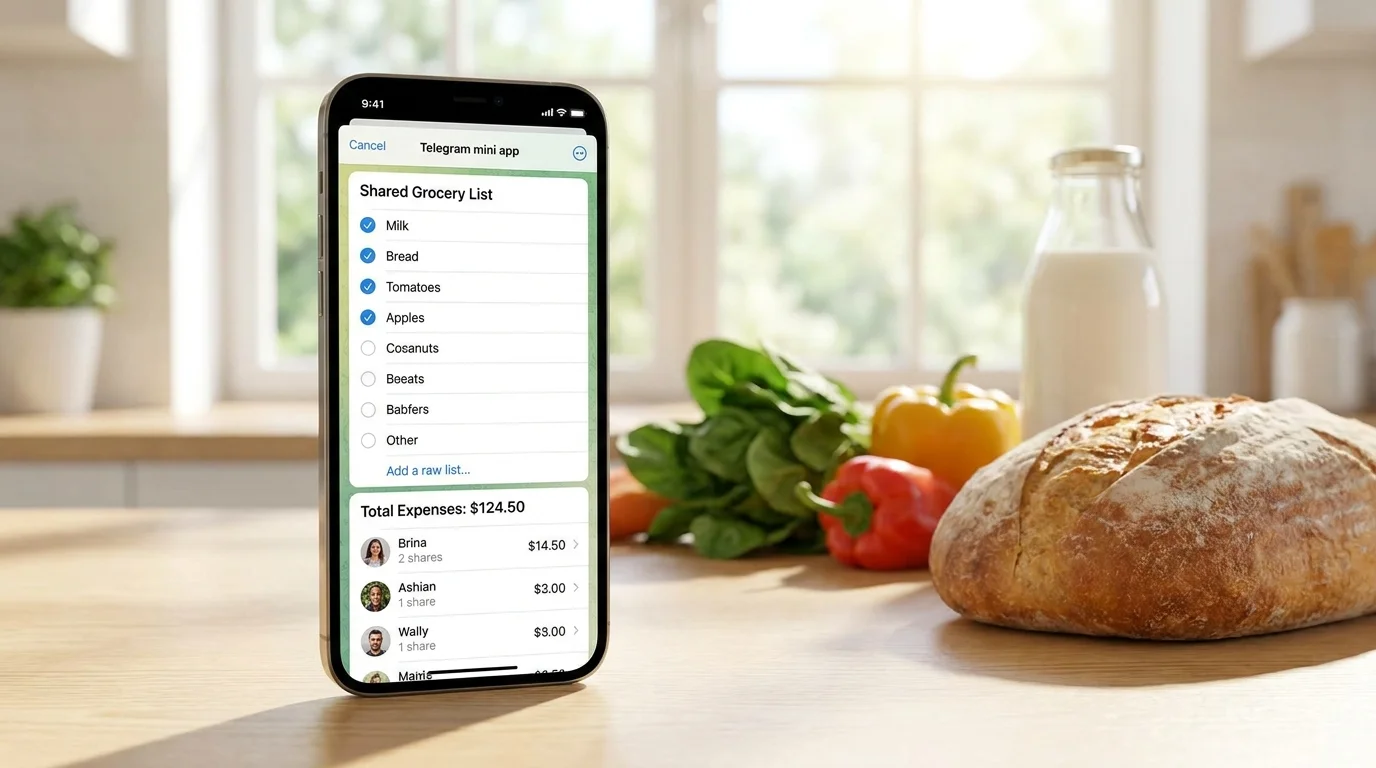
If you need a lightweight option directly within Telegram, you can use the mini-app Pickt (bot @PicktBot): it's convenient for shared lists with real-time synchronization when multiple people shop at different times. You can open it via the link: t.me/PicktBot/app.
Step 3. Record purchases: amount, who paid, and brief context
This is the central step in the entire process of 'how to track grocery spending in a Telegram bot'. The simpler the entry, the higher the chance you'll always do it.
Add an entry right after the purchase. Minimum format: 'Store — amount — who paid'. Example: 'Pyaterochka — 1260 RUB — paid by Olya'.
Break it down into categories if you want analytics. Categories help you understand what's eating up the budget: meat, vegetables, snacks, delivery, coffee. If you don't want to complicate things, start without categories and add them later.
Mark shared and personal expenses. Sometimes a receipt includes items 'for everyone' and 'personal'. Note this in a comment or on separate lines to split correctly later.
Keep the receipt for large amounts. You don't have to photograph every receipt. But for large purchases (e.g., for a week), it's better to attach a photo/scan — this prevents disputes and helps recall the contents.
Related queries that this step addresses: 'grocery expense tracking', 'how to track expenses in Telegram', 'how to split food expenses'. The essence is the same everywhere: record immediately and consistently.
Step 4. Split expenses between participants: a simple, conflict-free scheme
If you're managing a shared budget, it's important not only to calculate the total amount but also to understand who spent how much and who owes whom. A good splitting scheme eliminates everyday misunderstandings.
Choose a splitting model. The most popular options: 50/50 (for couples), equally among all (for roommates), proportionally (e.g., 60/40), or 'whoever eats pays' for individual items.
Separate 'shared' and 'individual' purchases. Shared — groceries for the common table. Individual — specific diets, personal snacks, vitamins. It's better not to include individual items in the common pot.
Reconcile payments. At the end of the period, calculate: total amount, how much each contributed, the difference. Often, one transfer is enough to settle the balance.
Discuss exceptions in advance. For example, if one person shops for groceries more often due to their schedule, it doesn't mean they 'should pay more'. They're just the payer more often, and the balance is settled with a transfer.
Practical tip: if you see disputes arising over 100–200 rubles, establish a rule: 'small purchases up to N RUB are not split'. This reduces friction and doesn't break the overall expense picture.
Step 5. Review totals and find savings opportunities (without strict restrictions)
Tracking for the sake of tracking quickly gets boring. The point is to see patterns: where overspending occurs, which purchases repeat, what can be optimized without reducing quality of life.
Do a brief review once a week or month. 5 minutes: total amount, average receipt, how much went to delivery/coffee/snacks.
Compare periods. If this month you spent 20% more on groceries, ask: did prices rise, were there more guests, did you order delivery more often?
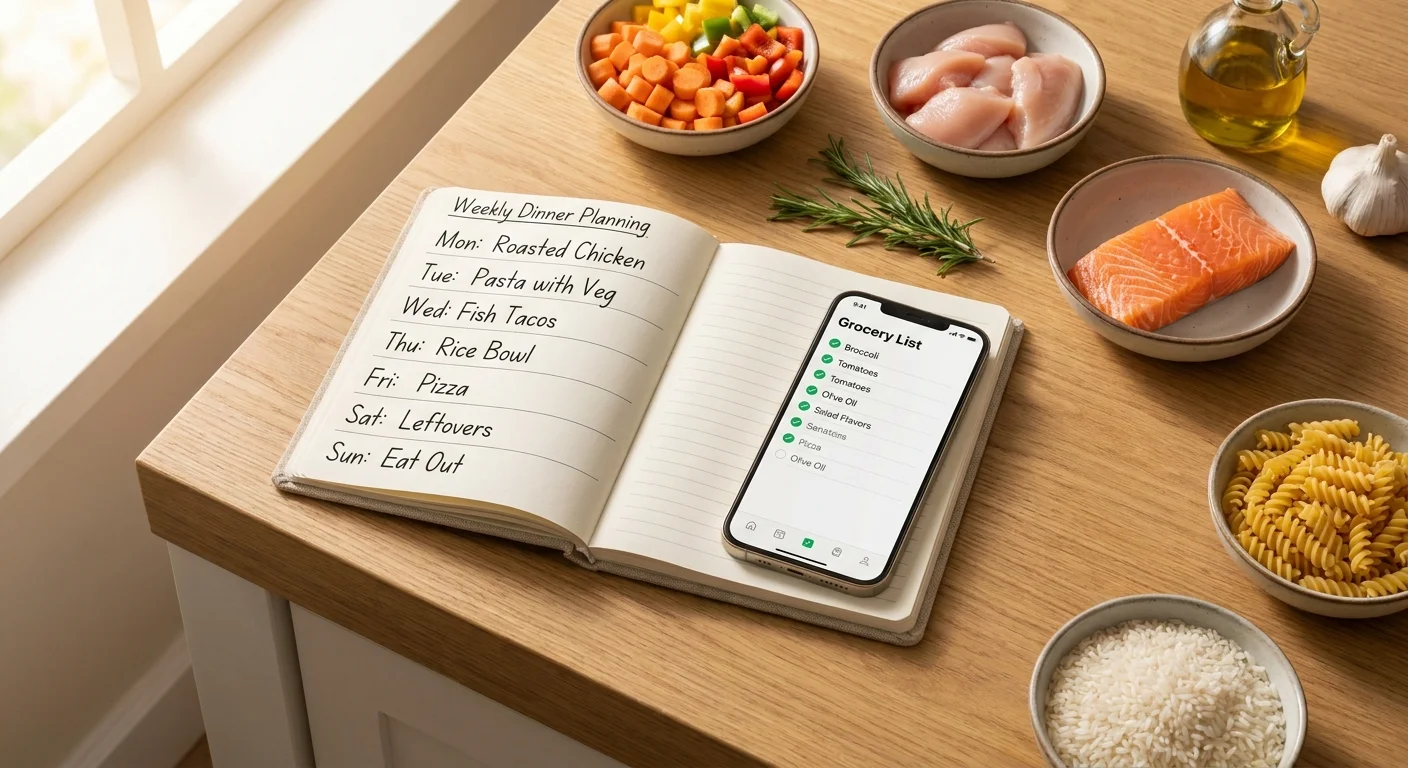
Look for 1-2 simple changes. For example: plan 3-4 basic dinners for the week, reduce impulse purchases, replace some delivery with cooking every other day.
Create a 'recurring list'. Bread, milk, eggs, grains, vegetables — these are the basics. When staple items are always on hand, there are fewer chaotic trips to the store.
If you're using a shared list in Pickt, it's convenient to see current items and mark purchases for all participants simultaneously — this reduces duplicates and helps spend less on 'buying the same thing twice'.
Step 6. Automate the habit: templates, reminders, and quick entries
The most common reason people stop tracking grocery spending is inconvenience. The goal of this step is to make tracking as 'automatic' as possible.
Use a short entry format. One line: 'store — amount — payer'. Add details only for large receipts.
Create 2-3 templates. For example: 'Delivery — ___ RUB — paid by ___', 'Market — ___ RUB — paid by ___'. A template reduces resistance.
Set a gentle reminder. For example, in the evening: 'Have all receipts been entered?'. This is better than trying to remember purchases a week later.
Separate 'plan' and 'actual'. Plan — shopping list. Actual — mark what was bought and the amount. When these two things are in one place, tracking becomes easier and more honest.
Summary. It's realistic to track and control grocery expenses in Telegram without complex spreadsheets: create a shared list, record amounts right after purchase, agree on splitting rules, and review totals periodically. Within 2-3 weeks, you'll see where the budget is leaking and be able to save without feeling 'strict austerity'.
Frequently Asked Questions
-
How to track grocery spending in a Telegram bot if multiple people make purchases?
Agree that everyone records their purchases immediately: amount + who paid + brief comment. At the end of the week/month, reconcile the total and balance the difference with one transfer.
-
Do I need to record every small item for tracking to be useful?
No. To start, large and medium purchases are enough. But it's better to establish a rule: all receipts above a certain amount (e.g., 300–500 RUB) must be recorded.
-
How to split food expenses if everyone has different habits (someone orders delivery, someone cooks)?
Separate expenses into 'shared' and 'individual'. Delivery can be considered individual if it's not for everyone, while shared groceries can be split equally or according to a chosen proportion.
-
What to do if you forgot to enter a receipt and the numbers are off?
Add the purchase retroactively if you remember the amount, or estimate approximately and mark it as 'estimate'. The main thing is to restore regularity, not achieve perfect accuracy.