Family life rarely breaks down due to 'big problems'. More often, it's the little things: who should buy milk, when the child's doctor appointment is, where the warranty for the appliance is, and why no one took out the trash again.
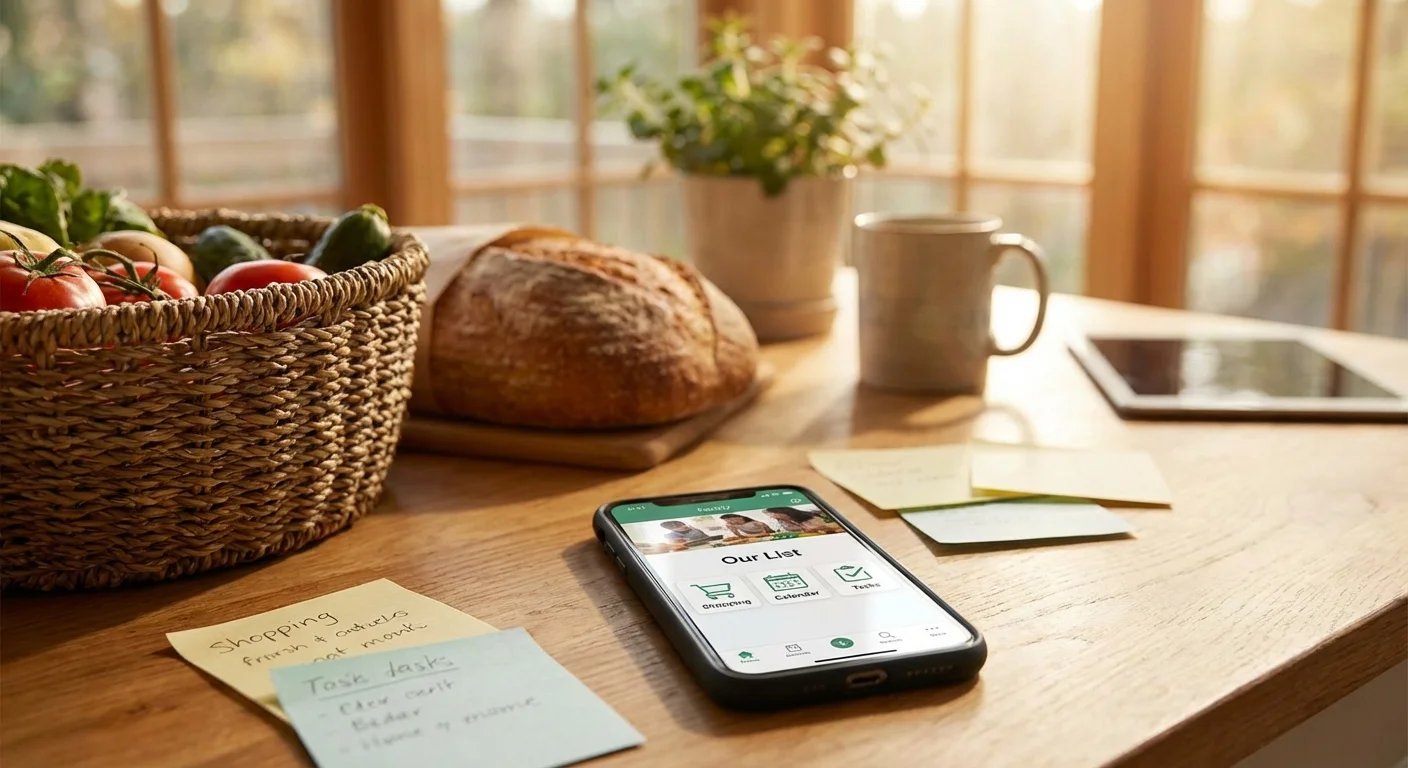
The good news: part of the routine can be outsourced to family apps. They help distribute tasks, plan budgets, store documents, and keep everything at hand—without endless reminders in messengers.
Below are 7 solutions that cover the most common household scenarios. Choose 2–3 and implement them gradually: this way, family apps actually work and don't turn into 'just another service no one uses'.
1) Shared Shopping Lists: Fewer Duplicates and Forgotten Items
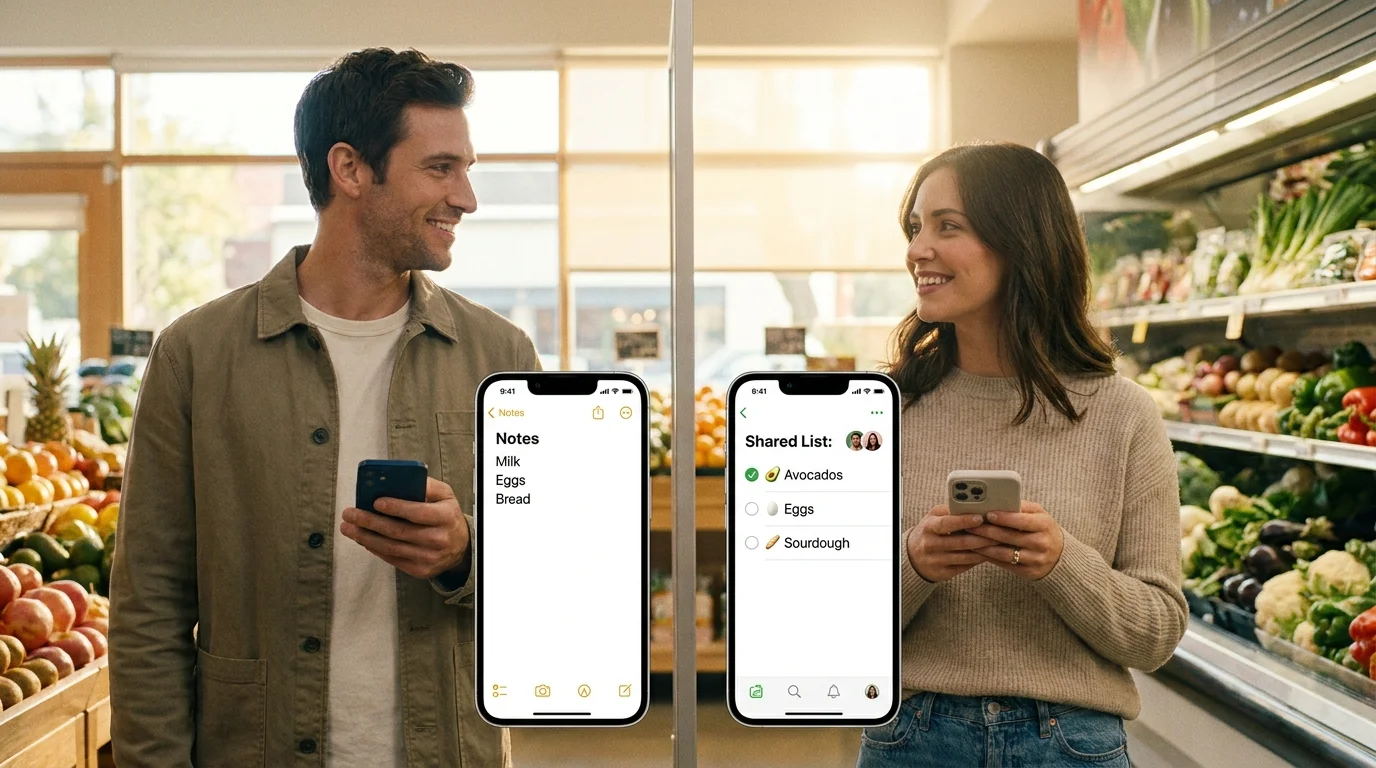
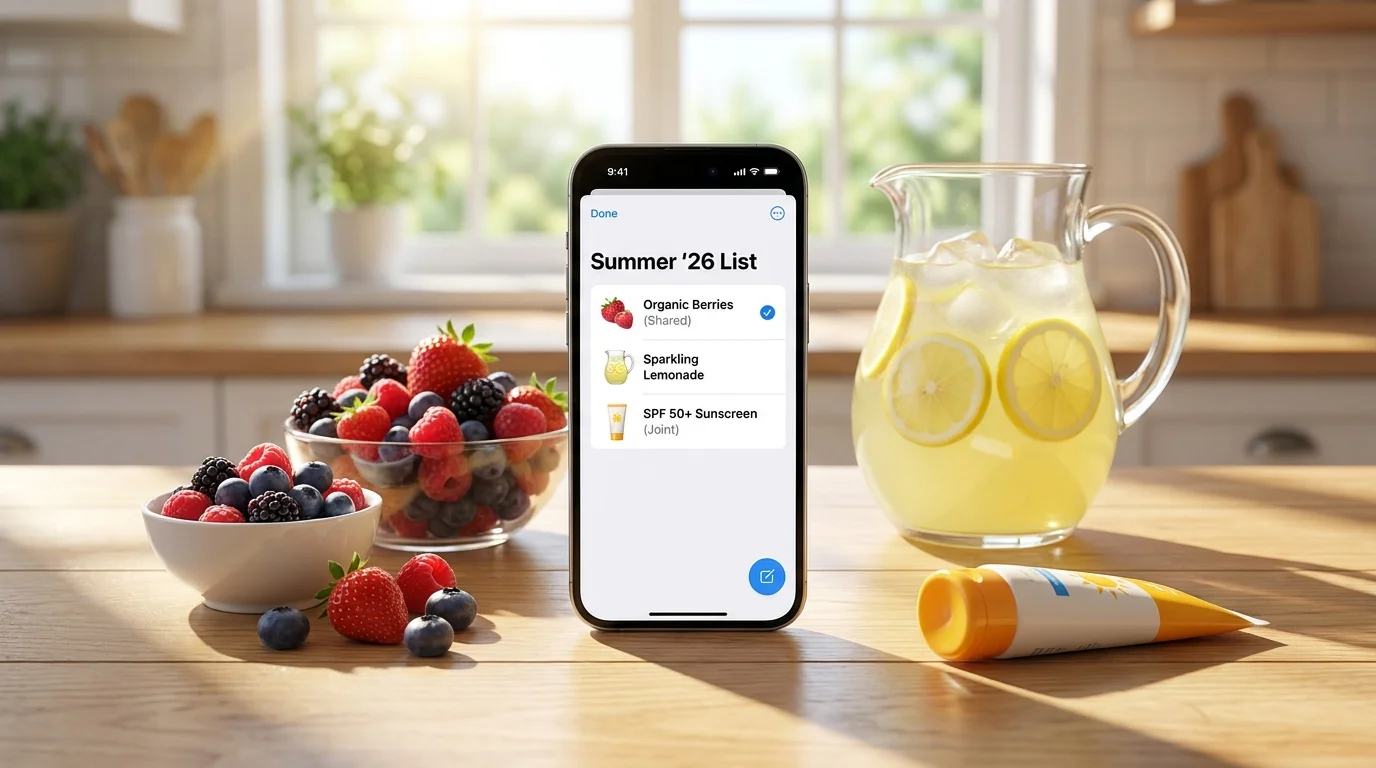
Shopping is one of the main sources of chaos: one person already bought buckwheat, the other also got buckwheat, and the trash bags were forgotten again. A shared list solves this through synchronization and a clear structure.
Look for apps where you can quickly add items, mark what's been purchased, and see changes in real time. It's especially convenient if the list is always on your phone and doesn't require lengthy registration.
A mini-checklist for setting up a family shopping list:
- Create 3 sections: 'Food', 'Household', 'For Home/Kids'.
- Add a 'weekly basics' template (milk, eggs, bread, cleaning supplies).
- Agree: whoever notices something is running out adds it to the list.
- Specify details for items: brand, volume, 'sugar-free', '2 pcs'.
When the list is shared, there's no need to call 'just in case' from the store. It's also easier to control impulse buys: you can see what's actually needed.
2) Family Calendar: A Unified Schedule Without Retelling
A family calendar is useful even for those who 'remember everything anyway'. In reality, families have many parallel events: clubs, parent-teacher meetings, doctor visits, business trips, birthdays, furniture deliveries.
The best format is a shared calendar with colors for each family member and reminders. Then you don't keep the schedule in your head or send each other screenshots.
What's convenient to mark in the calendar: children's activities, specialist appointments, weekend plans, payment deadlines (kindergarten, clubs), and 'windows' when someone can pick up a child or accept a delivery.
3) Task Tracker and Household Chores: So 'Someone' Becomes Specific
The phrase 'we should' often means no one will do it. A task tracker turns vague responsibilities into clear assignments: who does it, by when, and what counts as done.
For organizing household life, apps that allow creating recurring tasks are suitable: take out the trash, change the bedding, pay for internet, buy pet food, schedule a child's vaccination. Ideally, with checklists inside tasks so steps aren't forgotten.
Example of a weekly recurring task list:
- Mon: Check the week's schedule, choose 2–3 family tasks.
- Wed: Restock household supplies (dishwasher tablets, wipes, bags).
- Fri: Plan the menu and major purchases for the weekend.
- Sun: Prepare clothes/backpacks/lunchboxes for Monday.
Important: don't try to digitize everything at once. Start with 5–7 tasks that repeat and most often 'get missed'.
4) Family Budget App: Transparency Instead of Guesses
A budget isn't about total control, but about predictability. When it's clear how much goes to groceries, transport, and children's expenses, there are fewer reasons for arguments and it's easier to plan major purchases.
Choose apps where you can quickly enter expenses, categorize them, and view monthly reports. A useful feature for families is shared categories and the ability to note who paid, to avoid separate 'who owes whom' tracking.
To start, 5–8 categories are enough: groceries, home/household, kids, transport, health, subscriptions, entertainment, unexpected. After a month, you'll see the picture and can optimize expenses precisely.
5) Meal Planner and Recipes: Fewer 'What's for Dinner?' Questions
The daily choice of food is as exhausting as cooking itself. A meal planner helps plan 3–5 dinners in advance, compile a shopping list, and reduce food waste.
Good apps allow saving favorite recipes, automatically generating shopping lists, and accounting for restrictions: allergies, diets, children's preferences. This directly affects household organization: fewer spontaneous trips to the store and less 'nothing to eat' on weekdays.
A practice that works: keep a 'pool of quick meals' for 15–20 minutes and alternate them with 1–2 more complex options on weekends. This way, meals become stable and don't require daily discussions.
6) Family Document Storage: All Important Things in One Place
Insurance policy, birth certificate, rental agreement, appliance warranty, school certificate—these usually 'lie somewhere'. Family document storage solves two problems: quick access and peace of mind.
Any secure cloud or file manager where you can create folders and grant access to family members will work. Scan documents, name files clearly, and add dates: 'Vacuum_Warranty_until_2027'.
Minimum set of folders: 'Medicine', 'Kids/School', 'Home/Apartment', 'Appliances/Warranties', 'Travel'. This saves time when you urgently need to send a photo of a document or find a contract number.
7) Family Safety and Geolocation: When It's Important to Stay Connected
Geolocation is a sensitive topic, so rules are important here. But in some families, such apps genuinely simplify life: knowing a child has arrived at school, that a loved one has left work, or where the car is parked.
Look for solutions where you can flexibly configure access, set up geofences (home, school, club), and disable tracking at any moment. Agree in advance in which situations the feature is needed and when it's not. Then it becomes a tool of care, not control.
In summary: the best family apps are those that remove recurring household questions. For organizing household life, a combination of a shared calendar, tasks, and a shopping list is usually enough, plus one service for your specific 'pain point' (budget, documents, or meals).
If you want to start with the simplest and most noticeable improvement, try shared shopping lists in Pickt—it's a free mini-app in Telegram with real-time synchronization. It works right where you already communicate, so the list easily becomes a habit: t.me/PicktBot/app.