When it comes to a grocery list, many people habitually open Todoist or Trello. The logic is clear: these tools are already installed, they make it easy to check off items, add deadlines, and share lists.
And it's true: if you're a productive person, you can easily turn "buy milk" into a task and "weekly grocery run" into a mini-project. But the more the grocery list becomes a family affair and "live," the more noticeable the downsides of this approach become. As a result, a todoist grocery list and a trello grocery list often turn into overkill.
How People Use Todoist for Grocery Lists (and Why It Works… for a While)
Todoist is strong precisely as a task manager: tasks, priorities, deadlines, recurrences, filters. So a "grocery list" is usually set up as a separate project — for example, "Groceries" or "Home."
Then the usual productivity mechanics kick in. Purchases are organized into sections ("Supermarket," "Pharmacy," "Pet Store"), labels like @urgent or @on_the_way are added, and recurring items (coffee, water, pet food) are set up as recurring tasks.
- Project: "Groceries" with product tasks.
- Sections: by store or department.
- Labels: @delivery, @near_home, @bulk.
- Recurrences: "every week" for basic supplies.
- Reminders: "stop by the store at 6 PM."
If you're on your own and like order, a todoist grocery list might look perfect. But a family scenario quickly adds friction: you need to involve your partner, quickly check items with one hand, and avoid mixing groceries with work tasks.
How People Make a Trello Grocery List: Boards, Cards, and Checklists
Trello is often chosen by those who like visual structure. The most popular template is a "Groceries" board with columns like "Need to Buy," "Bought," "Ideas," or "This Week."
Inside cards, you can keep checklists (e.g., "Vegetables," "Dairy," "Household Chemicals"), add labels by category, and attach photos of the desired product. This is convenient when shopping is part of a larger home project.
- Columns: "Need," "In Cart," "Bought."
- Cards: "Supermarket," "Pharmacy," "For the Dacha."
- Checklists: items inside a card.
- Labels: "urgent," "sale," "for the kid."
As long as the grocery list is small and you manage it "like a project," a trello grocery list can indeed be convenient. But in the store, speed and simplicity matter more than board flexibility.
Why Task Managers for Groceries Are Overkill (Especially for Families)
The main problem isn't Todoist or Trello — they're excellent for tasks and projects. The problem is that a grocery list is a different type of activity: it needs to be as fast, clear, and "no-learning-required" as possible for all participants.
When you move groceries into a task management system, you get extra steps and limitations. This is especially noticeable in family scenarios, where the list is updated on the go and needs to sync instantly.
1) Your Partner Needs to Create an Account and Figure Out the Interface
For a family, it's important that the other person can join in 10 seconds. In task managers, you often need to: register, confirm your email, understand projects, notifications, and access rights.
If one person "runs the system" and the other "occasionally checks in," the grocery list stops being shared. It becomes a personal tool for one user.
2) Collaboration Can Hit Free Plan Limitations
Even if shared projects are available, free plans usually have limits: on the number of members, boards, advanced features, history, and automations. That's tolerable for tasks, but for a household list it seems odd: regular groceries shouldn't depend on subscription tiers.
As a result, there's an "attention economy": someone avoids adding items to keep things simple, or keeps a parallel list in notes.
3) No "In-Store" Mode: Large Elements, One-Handed Use
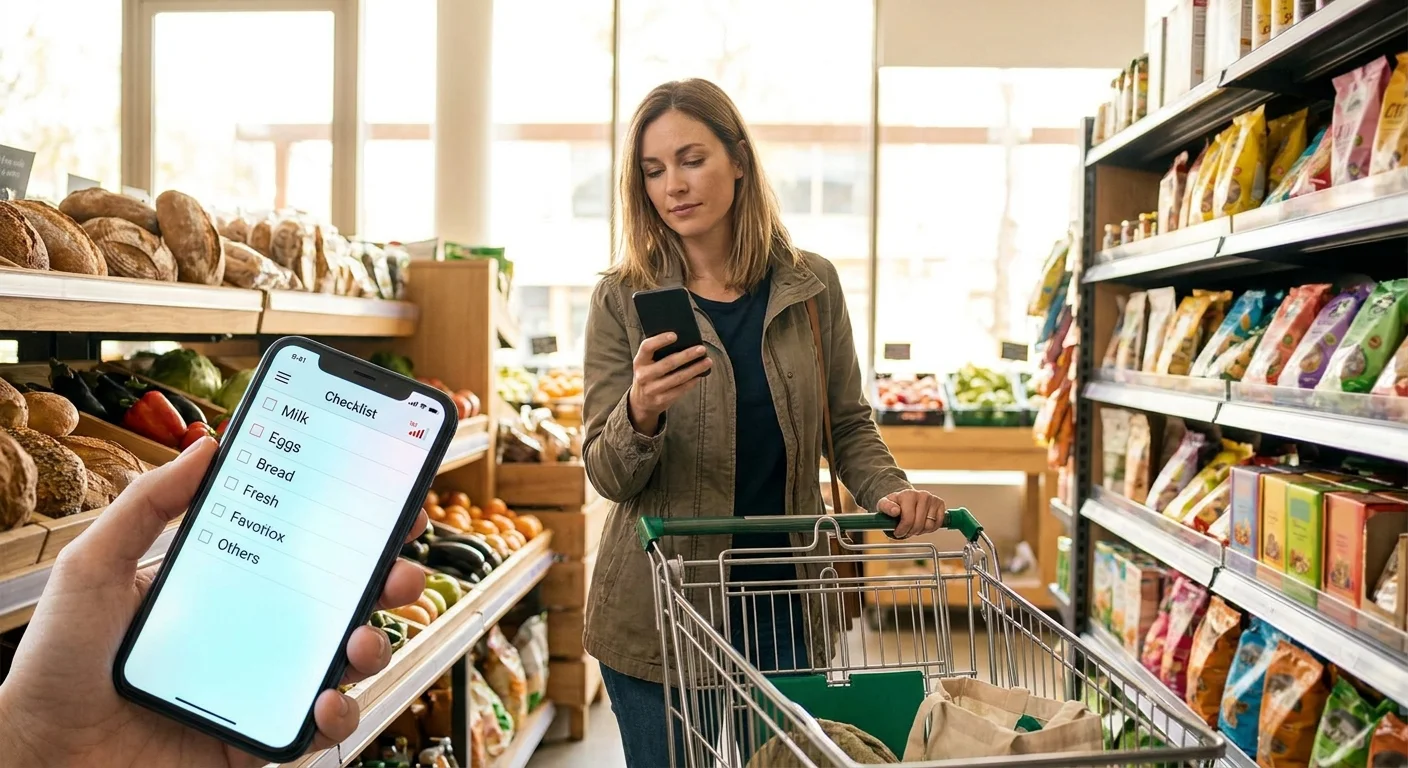
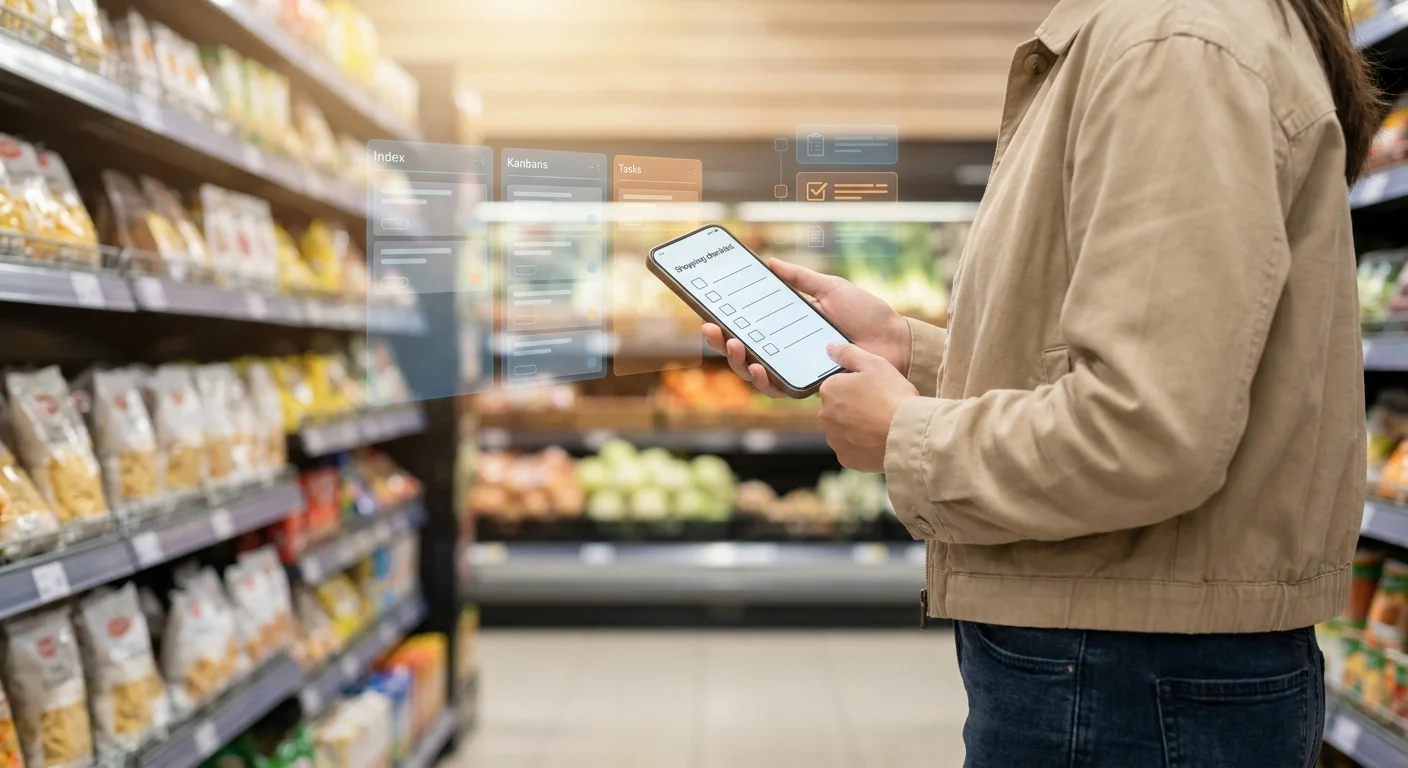
In the store, you're walking between shelves, holding a basket and your phone. A grocery list should be as "click-oriented" as possible: large checkboxes, minimal extra buttons, quick input.
Task managers are optimized for planning: deadlines, priorities, details, comments. That's useful at work, but in a supermarket it becomes extra interface noise.
4) No Convenient Categorization by Department and Route Logic
In groceries, not only the product category matters, but also the order: vegetables, dairy, meat, household chemicals. A good simple grocery list helps you navigate the store by route and not forget anything.
In Todoist and Trello, you can mimic departments with sections, labels, and cards. But that requires setup and discipline, while a family usually needs a "add — go — buy" list.
5) Groceries Get Mixed with Work Tasks and Create Extra Stress
When a todoist grocery list lives alongside deadlines and work projects, household chores start competing for attention with important tasks. Notifications and filters help, but there's still a feeling of overload.
A grocery list is about calm and clarity. It shouldn't remind you of work.
What a Grocery App Should Do for a Family: A Short Checklist
For a list to truly work in everyday life, it doesn't need "project management features," but simple things that save time and reduce friction between people.
- Quick family onboarding without lengthy registration or learning.
- Shared editing and real-time synchronization.
- "In-store" mode: large checkboxes, minimal extra actions, comfortable one-handed use.
- Categories by department or clear grouping of items.
- Quick adding of items on the go (in a couple of taps).
- Clear separation of groceries and work tasks, so nothing gets mixed up.
Comparison: Task Manager vs. Simple Grocery List
Below is a simplified table showing why Trello and Todoist are good but not always rational specifically for groceries.
| Criterion | Todoist / Trello | Simple Grocery List |
|---|---|---|
| Getting started for a partner | Account, invitation, getting used to the interface | Quick onboarding, minimal steps |
| "In-store" scenario | Interface for tasks/projects, many elements | Large checkboxes, quick check-offs |
| Grouping by department | Possible but requires setup (labels/sections/cards) | Usually built-in or done automatically/simply |
| Collaboration on the free plan | May have limitations and nuances | More often designed for family sharing by default |
| Context | Groceries get mixed with work tasks | Only groceries, less stress |
Conclusion: The Right Tool for the Job
Todoist and Trello remain excellent tools for planning, personal productivity, and team projects. If you're comfortable keeping a trello grocery list or a todoist grocery list, that's a working approach, especially if you're on your own and love structure.
But for a family and regular trips to the store, a simple grocery list is usually what's needed: fast, shared, understandable without training, and optimized for "on the go" use. When the tool matches the task, groceries stop being a project and become everyday routine without extra stress.
If you prefer the "open in Telegram and immediately add/check off" format, you can try Pickt — a free mini-app for shared grocery lists with real-time synchronization: t.me/PicktBot/app. It doesn't try to replace a task manager but simply makes a grocery list convenient for the family.