
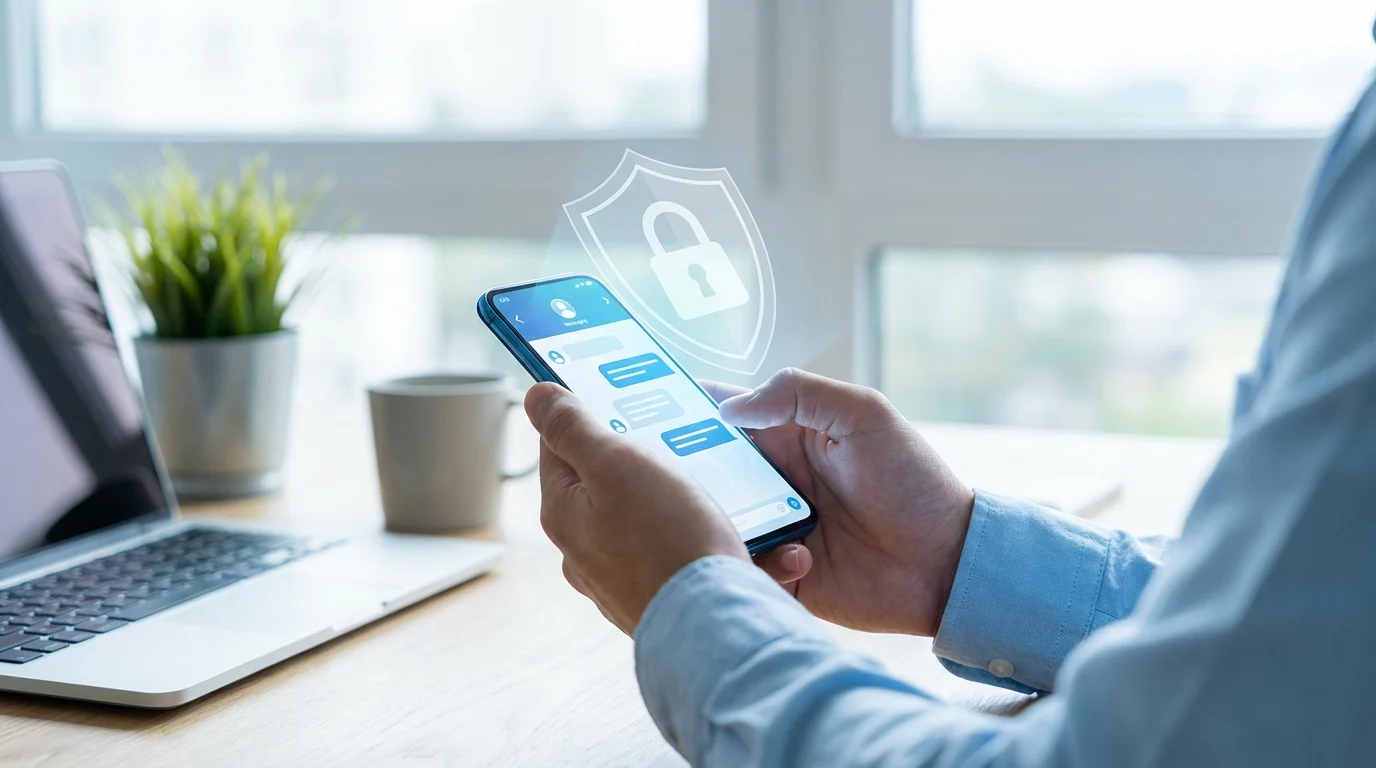
Privacy in Telegram: Why It's Secure
When we discuss purchases, share locations, send documents, or simply have private conversations, the question of privacy becomes not abstract, but very practical. We want messages not to be read by outsiders, accounts to be hard to hack, and data not to leak due to an accidental setting.
Telegram is often called one of the most convenient messengers — but convenience should not come at the expense of protection. The good news is that Telegram's security is not one "magic switch," but a set of clear mechanisms: from encryption and session control to flexible privacy settings.
Below is a simple explanation of how protection works in Telegram, where there are nuances, and what you can do in 5–10 minutes to raise the level of data privacy without paranoia and unnecessary complexity.
How Telegram's Security Works: What is Protected by Default
Telegram uses encryption when transmitting data between your device and its servers. This means traffic is protected from interception "on the way" (for example, on public Wi‑Fi), and it's difficult for an outsider to spoof or read messages during transmission.
It's important to understand the difference between regular chats and "secret chats." In regular chats, messages are stored in Telegram's cloud, which provides synchronization between devices and quick access to history. In secret chats, end‑to‑end encryption is used, and the content is only available on the participants' devices.
From a user's perspective, it looks like this: for everyday correspondence, regular chats are more convenient, while for particularly sensitive information — secret chats. This approach allows balancing data privacy and convenience, rather than choosing just one.
Secret Chats and End-to-End Encryption: When They Are Truly Needed
A secret chat is a mode where messages do not go to the cloud and are not forwarded to other devices. It is tied to a specific device, and the history does not "move" when logging in from a new phone or computer.
End-to-end encryption is useful when you send something that definitely should not fall into the wrong hands: passwords, access codes, document scans, financial data. Plus, secret chats offer additional control functions — for example, auto-deleting messages.
But secret chats are not mandatory "always and for everything." If your task is to discuss plans, conduct work correspondence, or exchange to-do lists, often account protection and privacy settings are more important than switching all conversations to E2E mode.
Data Privacy in Telegram: Settings Worth Checking
Most risks in messengers are not related to "breaking encryption," but to human factors: an open phone number, unnecessary permissions, weak login protection. Telegram gives a lot of control — the main thing is to go through the settings once.
Here is a short checklist that genuinely increases data privacy and protection in Telegram.
- Phone Number: Limit who can see your number (e.g., "Nobody" or "My Contacts").
- Who Can Add to Groups: Set to "My Contacts" to avoid spam and random invitations.
- Profile Photo: Configure visibility (often "My Contacts" is enough) and add exceptions if needed.
- Last Seen/Online: Limit visibility if you don't want your status to be used for tracking or pressure.
- Message Forwarding: Enable restriction so that when forwarding, a link to your account is not shown (where available).
- Calls and Voice Messages: If necessary, limit who can call.
Separately, it's useful to check the app permissions on your phone. If you don't send geolocation — don't grant access to location data. If you don't use contacts — you can disable contact synchronization or restrict access.
Account Protection: 2 Steps That Give Maximum Effect
Even perfect privacy settings won't help if a malicious actor gains access to your account. Therefore, the foundation of "Telegram security" is login protection and active session control.
Step 1. Enable Two-Step Verification (Password). This is an additional password required when logging into the account, besides the code from SMS/app. It significantly reduces the risk of account takeover, especially if someone intercepts the code or gains access to the SIM card.
Step 2. Check Active Sessions. In Telegram, you can see where you're logged in, on which devices, and when there was activity. If you see an unfamiliar device — terminate the session immediately.
A mini-checklist of habits that enhance protection in Telegram:
- Use a complex, unique password for two-step verification.
- Enable app lock (PIN/Face ID) on your phone.
- Do not share login codes and passwords with anyone, even "support service."
- Be cautious with files and links in unexpected messages, even if sent by a known contact (their account could be compromised).
These actions don't require technical knowledge but cover the most common compromise scenarios.
Groups, Channels, and Bots: Where Privacy is Most Often Lost
Telegram is not just private chats. There are many groups, channels, and bots, and it's in them that users most often accidentally reveal too much. Data privacy depends on what you publish and what permissions you grant.
Groups. In public groups, your profile can be visible to a large number of people. If you don't want to "expose" your phone number, make sure it's hidden in privacy settings. Also, be more careful with messages: everything you write in a large group can be screenshotted and spread further.
Channels. Comments under posts are a frequent source of de-anonymization because you leave a trace in a public place. If it's important to remain less noticeable, use neutral profile data and limit the visibility of personal information.
Bots and Mini‑Apps. Bots are convenient, but they should be treated as separate services. Before entering data, check that it's an official bot, and consider whether you really need to send sensitive information. A good practice is not to forward passwords, card details, and documents to bots unless absolutely necessary.
At the same time, most everyday tasks (planning, lists, reminders) do not require transmitting critical data. If you use Telegram as an "organizer," you can structure the process to be both convenient and secure.
In Conclusion: How to Make Telegram Secure Without Unnecessary Complexity
Protection in Telegram is a combination of technology and your settings. Technology secures data transmission and provides tools like secret chats, while settings and habits protect against the most real threats: spam, social engineering, and account hijacking.
In short, the basic minimum looks like this: enable two-step verification, periodically check sessions, and configure privacy once (phone number, groups, status). And use secret chats selectively — when you are truly sending sensitive information.
For everyday tasks where synchronization and collaboration are important, it's convenient to stay within Telegram and use mini‑apps. For example, Pickt — a free mini-app for shared shopping lists with real-time synchronization that works right in Telegram: t.me/PicktBot/app.