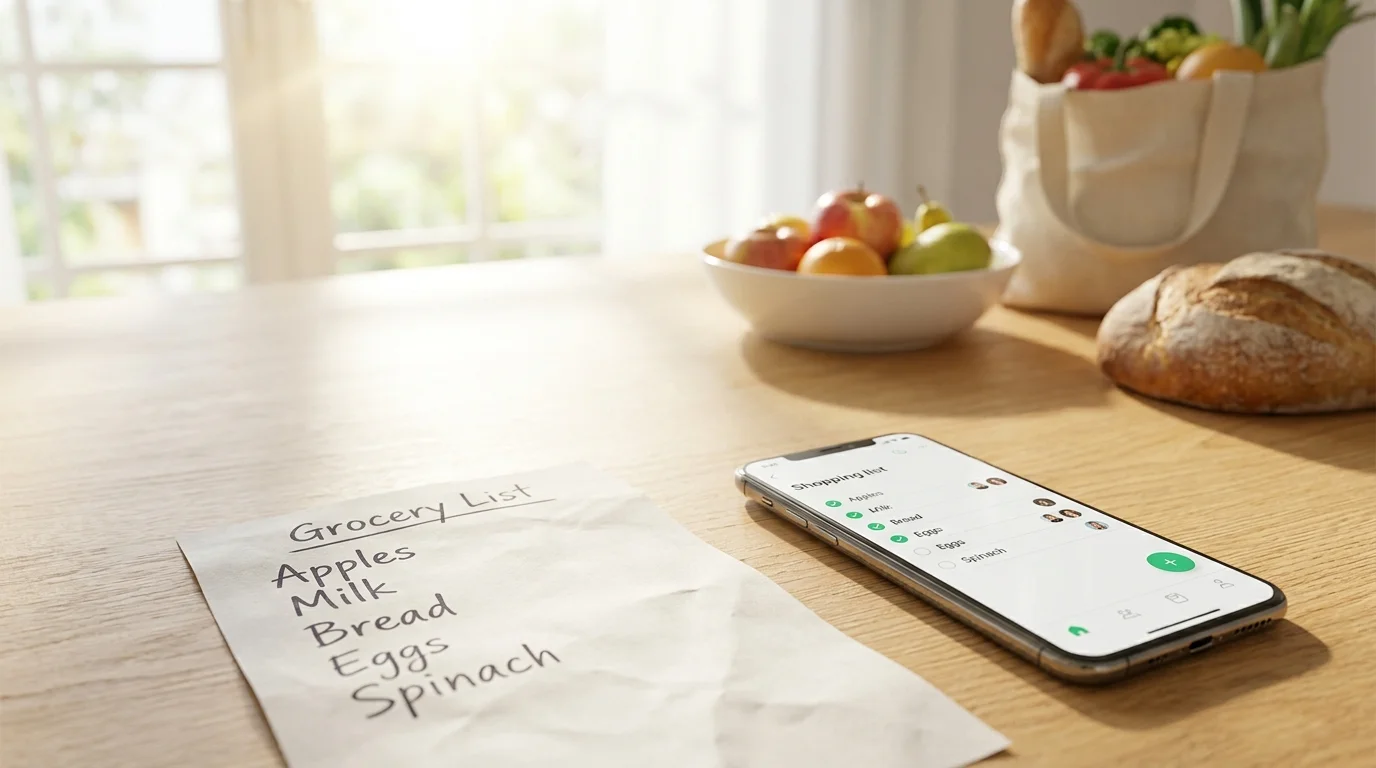
When comparing a paper list vs. an app, on average, the app saves more money: it reduces unnecessary purchases, duplicates, and forgotten items through real-time updates and convenient editing. Paper wins when you shop alone, buy a familiar set of items, and value maximum simplicity without a phone. For families, couples, and roommates, a shared list in an app is almost always more practical.
Where Extra Spending Comes From: 5 Typical Reasons
To understand what actually saves money, it's important to see the sources of overspending. Usually, it's not about 'willpower' but about how the list and shopping process are structured.
- Duplicates: Two people buy the same thing because they don't know it's already been taken.
- Forgotten items: Didn't write it down or lost the list — you have to make a second trip or order delivery.
- Impulse purchases: The list is short or unstructured, so you start picking up extras.
- Urgent substitutions: No details (brand/size), so in the store you grab 'whatever's there,' often more expensive.
- Budget opacity: No habit of marking what's bought and comparing it with the plan.
A good tool is one that reduces these 5 reasons. So the question 'what's better: a shopping list on the phone or on paper' is really about control and compatibility with your life.
Comparison by Criteria: Paper List vs. App
Below is a practical comparison. Read the rows as a checklist: where there are more risks of overspending, the tool is weaker.
| Criterion | Paper List | App/Mini App |
|---|---|---|
| Duplicates in shared purchases | High risk: one list, but not updated | Low risk: can mark items as bought immediately |
| Forgot/lost the list | Medium/high risk | Low risk: list always on the phone |
| Quick edits 'on the go' | Inconvenient: adding, crossing out | Convenient: add/delete in seconds |
| Details (brand, size, comment) | Limited by space and readability | Convenient: comments, quantity, options |
| Control of impulse purchases | Depends on discipline | Higher: list is structured, easier to follow the plan |
| Works without internet/charge | Yes | Sometimes limited (but often works partially offline) |
| Shared management (family/couple/roommates) | Inconvenient | Optimal, especially with synchronization |
Table summary: the app more often saves money precisely where the most expensive mistakes occur — duplicates and 'second trips.'
When a Paper List Is Actually More Profitable
Paper isn't 'worse by default.' In some scenarios, it really helps you spend less because it removes extra actions and distractions.
- You shop alone and the list is always in your wallet/on the fridge. No risk of duplicates between people.
- The route is stable: the same store, the same set of products, minimal unexpected purchases.
- You get easily distracted by the phone: notifications and 'just a quick look' can lead to impulse decisions.
- Maximum simplicity is needed: wrote 10 items, crossed them off — done.
Practical tip for a paper list: make two columns — 'definitely need' and 'if there's a discount.' This way, you'll limit impulse purchases in advance and won't grab extras 'just in case.'
When the App Saves More: Numbers, Logic, and Everyday Scenarios
The app wins when shopping is a process, not a one-time trip. Especially if several people maintain the list or you often remember things 'during the day.'
1) Shared purchases without duplicates
The most expensive scenario is two identical items in the cart. Even one 'extra' set of household chemicals or a pack of coffee can cost as much as half a list of basic groceries.
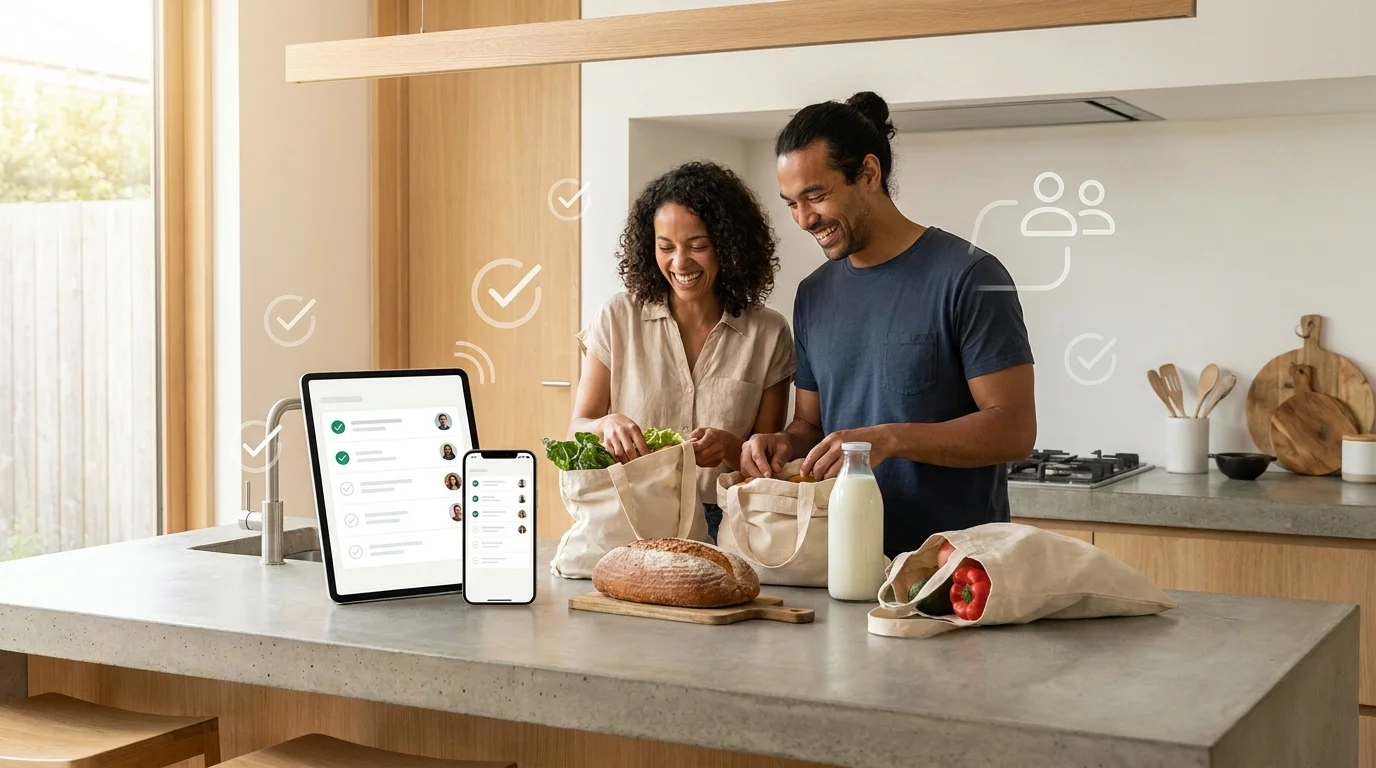
Real-time synchronization reduces the risk: one person marks 'bought' — the other sees it and doesn't take it again. In the Pickt Telegram mini-app, this is exactly the key idea: the shared list updates instantly between family members, couples, or roommates (bot @PicktBot, link: t.me/PicktBot/app).
2) Fewer 'second trips' and deliveries
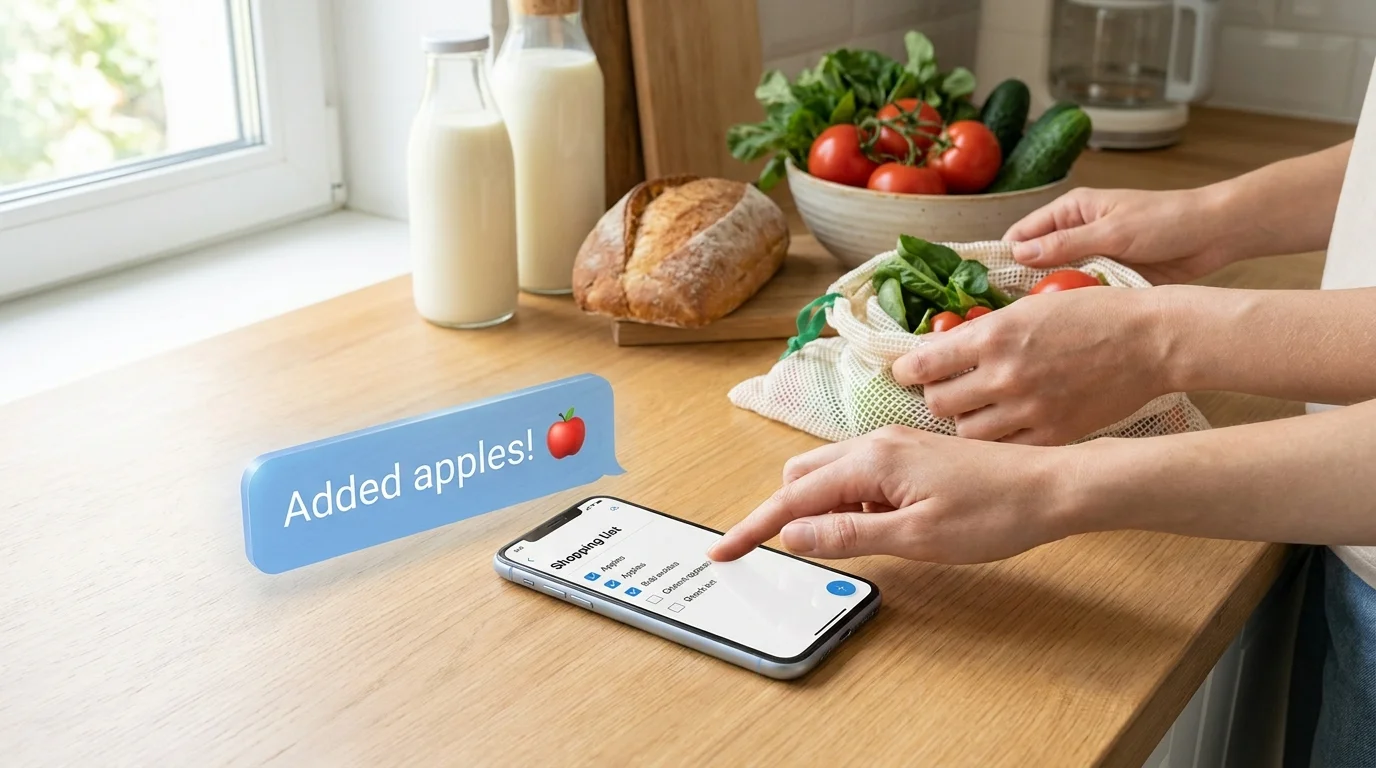
Forgot milk/pet food/batteries — and you're back at the store or paying for delivery. The app helps you record purchases as soon as the thought comes, not 'later on a piece of paper.'
3) Details reduce overpayment
When the list just says 'cheese,' it's easy to grab a more expensive or unsuitable option in the store. If you add a detail like 'cheese 45%, 300g' or 'for pizza,' the likelihood of overpayment and food waste is noticeably lower.
4) Easier to keep the list short and structured
The clearer the list, the less you 'wander' around the store. And the less time in the sales area, the lower the chance of impulse purchases. This is one of the most underestimated answers to the query 'how to save on groceries with a list.'
How to Maximize Savings from Any Format: 7 Practices
The tool is important, but the rules are even more important. These practices work for both paper and apps, but they're easier to maintain in digital form.
- Write the quantity: 'yogurt ×6', 'eggs ×20'. Without quantity, you almost always take too much or too little.
- Separate 'urgent' and 'can wait'. This reduces 'just in case' additions.
- Add alternatives: 'chicken/turkey on sale'. This way, you don't deviate from the plan but take advantage of a good price.
- Limit impulse: the rule 'only what's on the list goes in the cart' + 1 'optional' item.
- Check before checkout: 10 seconds of comparing with the list saves more than you think.
- One person responsible for the list (or clear roles): who adds, who buys, who marks as bought.
- After shopping — a quick review: what did you buy extra and why. After 2–3 weeks, expenses usually decrease without the feeling of 'saving through pain.'
If you're looking for a 'shopping list app for family,' choose one where it's easy to share the list and mark items as bought on the go — that's what gives savings, not a 'beautiful interface.'
What to Choose: Recommendations for Different Cases
Below is a quick choice based on life situations. This is the practical answer to 'paper list vs. app' without theory.
- You live alone and shop out of habit → paper or phone notes. Savings will come from discipline, not synchronization.
- Couple/family, anyone does the shopping → an app with a shared list and 'bought' marks. This is the best way to eliminate duplicates and forgotten items.
- Roommates/co-living, shared household → only a shared list with quick edits, otherwise overspending is almost inevitable.
- You often shop 'on the way' (one person goes to the store, the other remembers coffee) → app. Paper is usually at home at that moment.
- The phone in the store distracts you → paper, but with clear rules (columns, quantity, check before checkout).
If you need a simple shared list right in Telegram, it's convenient to try Pickt: it's a free Mini App where the list syncs between people in real time (t.me/PicktBot/app).
Frequently Asked Questions
Is it true that a shopping list in an app is always better than a paper one?
No. An app more often saves money in shared purchases and with frequent edits. But if you shop alone and the phone distracts you, paper can provide a 'tighter' focus and less impulse.
What is the main source of savings in apps?
Reducing duplicates and forgotten items. These are the two most expensive mistakes: you either buy extra or waste time and money on a repeat trip/delivery.
How to save on groceries with a list if prices are constantly changing?
Add alternatives and notes like 'only on sale.' This way, you keep the plan but allow flexibility for promotions without turning shopping into chaos.
What's more important: the format of the list or the habit of using it?
The habit. But the right format makes the habit easier: a shared list with 'bought' marks and quick edits is easier to maintain than a piece of paper that's easy to forget or lose.
Conclusion: A paper list is an excellent minimalist tool for solo and stable shopping. But when multiple people are involved, frequent changes, and the risk of duplicates, an app more often provides real savings — through synchronization, transparency, and process control.