
Familiar situation: your phone is out of storage again. Messengers, photos, banking services, maps, food delivery, school chats — every app takes up space and asks for updates.
And now you need to install another app just to keep a shared shopping list. Not everyone finds that convenient. Especially if the list is needed not only by you, but also by your partner, kids, parents, or grandma.
Grandma might not want to deal with the app store, create an account, and remember a new password. On a work or secondary phone, installing programs might be restricted. And sometimes you just don't want to add another icon to the home screen.
The good news: for a shared shopping list, you don't have to download a separate app. A Telegram Mini App opens right inside Telegram — a messenger that millions of people already have.
Pickt is exactly such a mini app: a shared shopping list without installations and without separate registrations. It works on any device that has Telegram.
See everything Pickt can do, with screenshots and an honest comparison with Listonic and Bring!, on the shopping list app for Telegram page.
What is a Telegram Mini App in simple words
A Telegram Mini App is a small service that runs inside Telegram. You can think of it as a convenient mini-page or app within your familiar messenger.
You don't need to search for it in the App Store or Google Play. No need to wait for downloads, free up storage, or create a new account. Just open Telegram, follow a link or press a button in a bot — and the service is ready to use.
Moreover, a mini app doesn't look like a regular chat. Inside, there can be a full-fledged, user-friendly interface: lists, buttons, product categories, purchase checkmarks, participant invitations, and other useful features.
For a shopping list, this format makes perfect sense. People already discuss purchases in family chats: they write "buy milk," send photos of products, and clarify who has already been to the store. A mini app helps gather these messages into a clear, shared list.
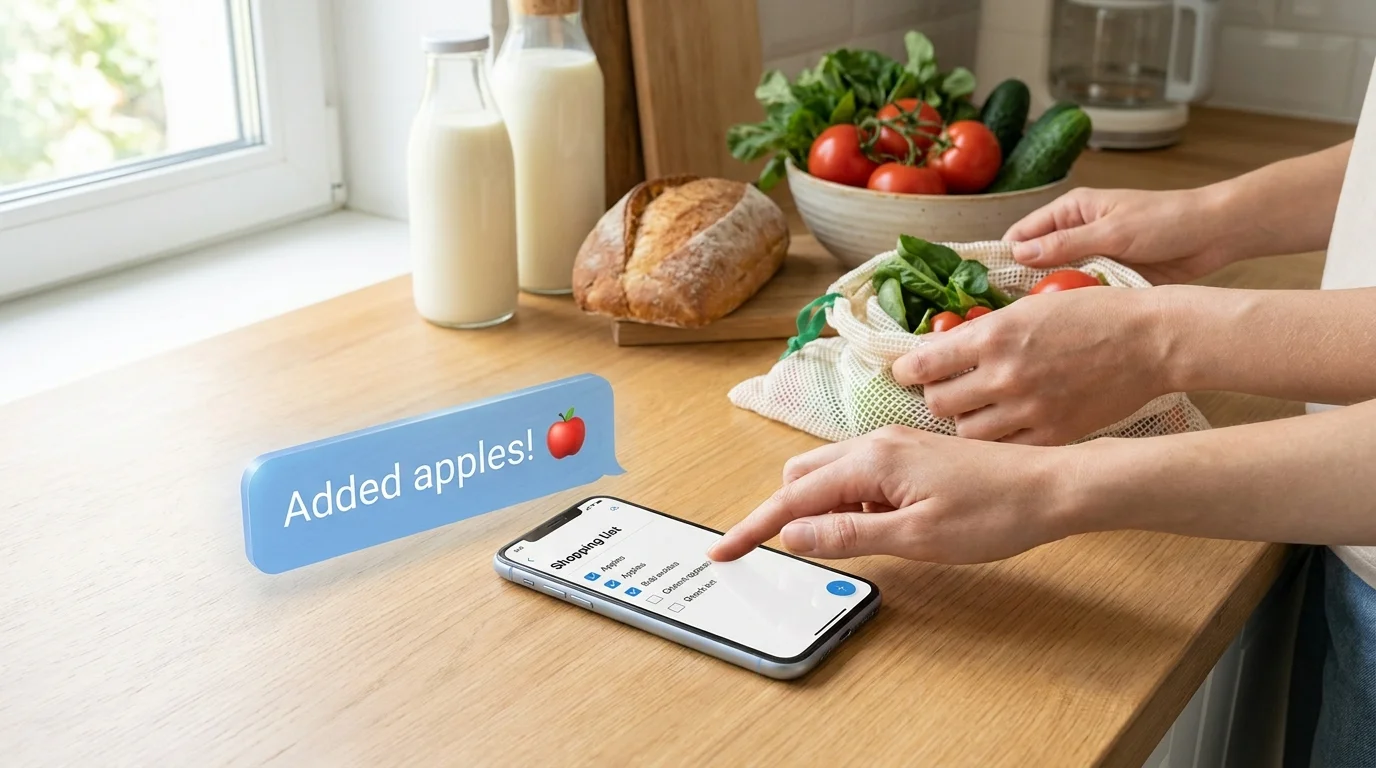
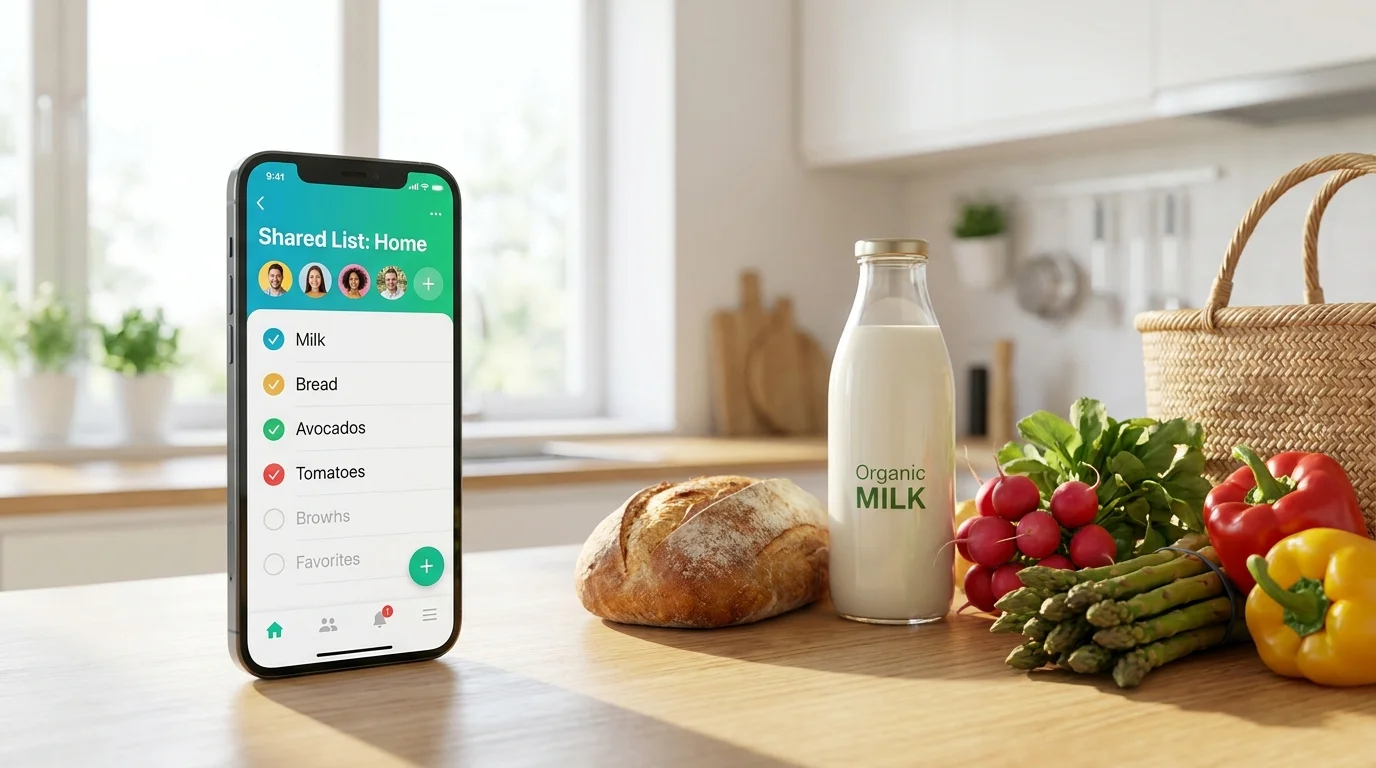
One person adds products at home, another opens the same list in the store, checks off purchased items, and changes are instantly visible to all participants. No need to resend new versions of the list or ask in the chat whether bread still needs to be bought.
How this differs from a regular app
A regular mobile app first needs to be found, downloaded, and installed. Then it takes up space on your device, may ask you to create an account, verify your email, and regularly update.
A mini app uses Telegram as a familiar entry point. This reduces the number of steps and makes the service more accessible to people with varying levels of experience.
| What we compare | Regular app | Telegram Mini App |
|---|---|---|
| Installation | Needs to be downloaded from an app store | Not needed: the service opens in Telegram |
| Phone storage | Takes up space and stores data | No separate installation required |
| Registration | Often requires a new account, email, or password | Usually uses your Telegram profile |
| Updates | New versions need to be installed | The latest version opens automatically |
This doesn't mean regular apps are bad. They are suitable when you need complex features or constant access without a messenger. But for a simple daily task — keeping a shared shopping list — extra steps often just get in the way.
The main advantage of a mini app is zero installations, zero registrations, and access from any device that already has Telegram. Phone, tablet, computer, or a second smartphone — the list is always at hand.
How to open a shopping list in Telegram in 10 seconds
You can start using a shared list very quickly. No need to fill out a long questionnaire or come up with a password.
- Open Telegram on your phone, tablet, or computer.
- Follow the link to Pickt or open it via the Telegram bot.
- Press the button to start the list.
- Add the first items: for example, milk, vegetables, coffee, and cat food.
- Invite a loved one to the shared list via Telegram.
After that, each participant can see the current items. If someone bought eggs and checked them off the list, others won't have to guess whether to grab another pack.
It's easy to add to the list throughout the day. Remembered batteries at home — added them. A colleague asked for water for the office — added it. Already in the store? Opened Telegram and checked off everything that ended up in your cart.
This approach helps avoid two typical problems: forgotten items and duplicate purchases. The family doesn't buy three packs of pasta just because everyone went to the store with their own note.
Security — why no password is needed
In many services, registration starts with the usual set: name, email, verification code, password. This takes time, and you still need to remember the password somewhere.
A Telegram Mini App can use your existing Telegram profile. This means you don't need to create a separate account specifically for the shopping list to log in.
Your access is tied to Telegram, where you're already authorized. If you open the mini app from your account, the service knows who you are without a separate password. This reduces the amount of extra data and lowers the risk of forgetting yet another combination of characters.
It's important to follow basic digital security rules: enable two-step verification in Telegram, don't share login codes with others, and only invite people you trust to the shared list.
For families, this is especially convenient: you don't need to explain to everyone how to register for a new service. Just use Telegram, which most people already know.
Who benefits the most
Families with older generations
Parents, grandparents often find it easier to open familiar Telegram than to learn yet another app. They don't need to find the install button, verify their email, or learn a new interface from scratch.
You can send a link to the family chat and immediately start keeping a shared list. This is handy when one person compiles the shopping list and another goes to the store.
Those using a second phone
On a second smartphone, you usually don't want to install dozens of programs. It might be an old phone, a travel device, or a spare work phone.
If it has Telegram, the shopping list is already available. No need to transfer data manually or remember a password for a separate app.
Users of work devices
On corporate phones and tablets, installing new programs is sometimes restricted by company policy. But Telegram might already be installed for team communication.
A mini app helps quickly keep a list for the office: coffee, paper, water, household items, or food for the shared kitchen. Employees can add what's needed, and the responsible person sees one up-to-date list.
Anyone who doesn't like extra stuff
Not everyone needs another account, another icon, and another notification. Sometimes the best service is one that doesn't force you to change your habits.
Pickt makes the shared shopping list part of Telegram: open, add, share, buy. No installation, no separate registration, and no complicated start.
When the list is available where you already communicate with loved ones, shopping becomes easier. That means fewer forgotten products at home, fewer extra messages, and fewer arguments about who was supposed to buy the milk.