
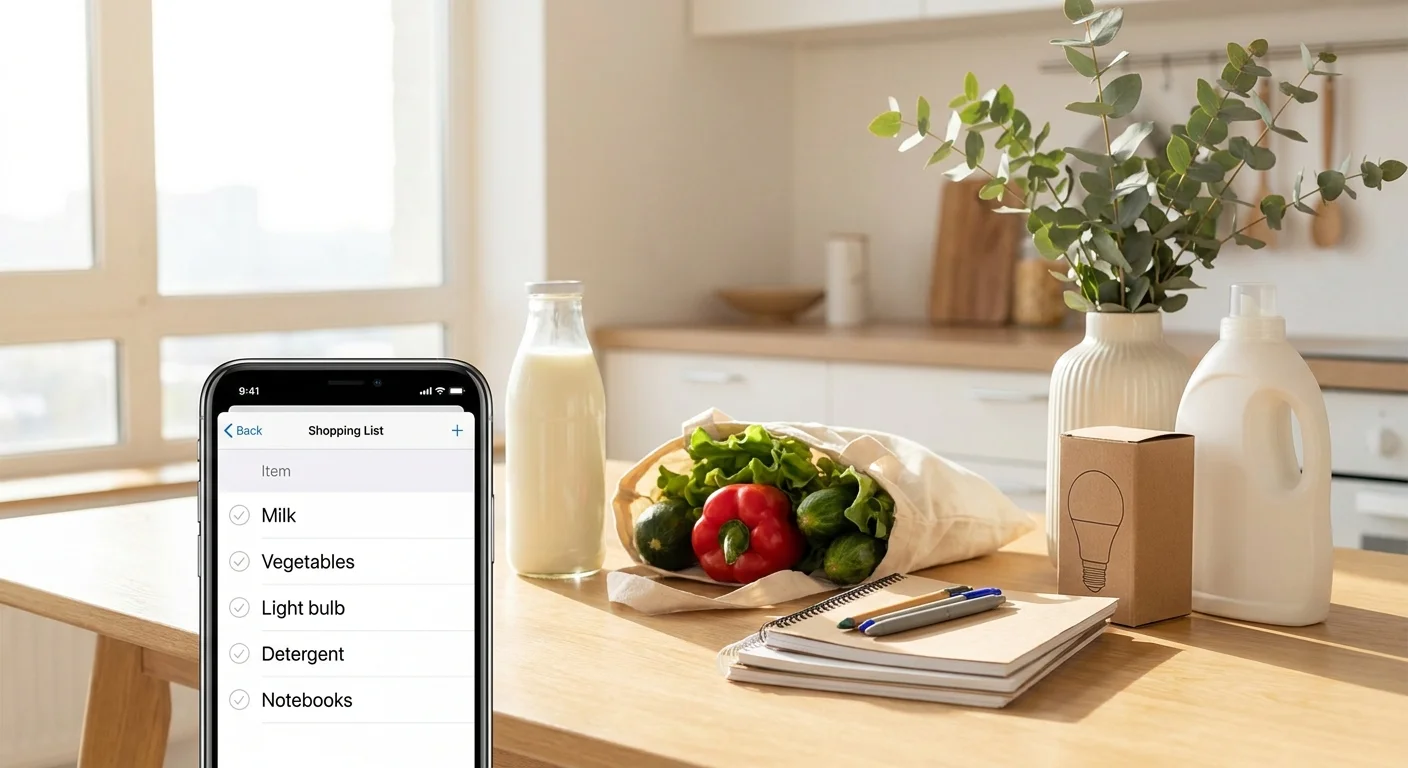
To understand how to manage multiple shopping lists simultaneously, it's enough to set up a 5-step system: divide lists by scenarios (groceries/school/home), establish uniform rules for adding items, include tags and priorities, distribute responsibility among people, and introduce a short weekly review ritual. This takes 10–15 minutes, and then the lists are maintained in 1–2 minutes a day.
Below is a practical step-by-step guide that helps keep groceries, school purchases, and household items under control, even if different people do the shopping at different stores.
Step 1. Divide Purchases into 3–5 Lists by Scenario (Not by Store)
The most common mistake is trying to keep one "universal" list or breaking everything down by store. It's much more convenient to divide by life scenarios: this way you don't mix bread with notebooks and light bulbs, and planning becomes faster.
A basic set that works for most people:
- Groceries — everything you buy regularly (food, water, everyday household chemicals).
- School/Kindergarten — stationery, uniforms, crafts, fees, snacks.
- Home — light bulbs, batteries, filters, repairs, textiles, seasonal items.
If you have regular separate categories, add 1–2 more lists: "Pharmacy," "Pet," "Holidays." It's important not to overcomplicate the system: 3–5 lists are usually enough, otherwise you'll start losing items between them.
If you manage lists together, it's convenient to use a mini-app in Telegram, where each list lives separately and updates for everyone at once. For example, in Pickt (t.me/PicktBot/app) you can keep multiple lists and sync them in real time among family members.
Step 2. Set Uniform Rules for Adding Items: Name, Quantity, Details
When there are several lists, chaos arises not from the number but from the different formats of entries. One person writes "milk," another "milk 2," a third "milk for porridge." As a result, you buy too much or the wrong thing.
Agree on a simple standard that takes 2 seconds:
- Name: what exactly to buy ("milk," "notebook," "light bulb").
- Quantity: a number or understandable unit ("2," "1 pack," "3 pcs.").
- Details: brand/volume/parameters in parentheses ("(3.2%)," "(grid, 48 sheets)," "(E27, warm light)").
Examples of good entries:
- Milk — 2 (3.2%)
- Notebook — 10 (grid, 48 sheets)
- Detergent — 1 (for colors, 3 kg)
This step directly addresses related queries like "how to organize a shopping list for a family" and "how not to forget purchases": you reduce the number of clarifying calls and the likelihood of errors.
Step 3. Introduce Tags and Priorities: "Urgent," "This Week," "When on Sale"
Multiple lists are only convenient when there is order within each list. For this, you need priorities — at least simple labels that everyone understands.
Create 3 priority levels and use them consistently across all lists:
- Urgent — needed for the next shopping trip (today/tomorrow).
- This Week — can be bought on the next convenient trip.
- When Possible — not urgent, can wait for a sale or when you're nearby.
How to apply this in practice:
- In "Groceries," urgent items are often milk, bread, vegetables.
- In "School," urgent items are those needed for a specific lesson or deadline (glue, cardboard, fees).
- In "Home," urgent items are those that break or run out (batteries, filters, light bulbs).
If you use digital lists, it's convenient to manage priorities as separate sections/tags. This way, you quickly see what to buy first and don't overload your mind.
Step 4. Distribute Responsibility: Who Adds, Who Buys, Who Closes
When several people are involved, lists "fall apart" due to uncertainty. One thinks the other will buy, and in the end, no one does. Therefore, it's important to assign roles in advance — even if conditionally.
A working scheme for a family or couple:
- Adds: the person who notices something is running out (e.g., saw the last pack of pasta).
- Buys: the person who is closest to the store or does the planned shopping.
- Closes: the person who bought it immediately marks the item as done.
If you often shop together or take turns, a shared list with synchronization helps: the "bought" mark should disappear for everyone at the same time. In Pickt, this happens in real time, so there's less chance of buying the same thing twice.
An additional rule that saves time: if an item is marked as done but the purchase turned out "wrong," don't argue in the chat — just add a new item with clarification (e.g., "light bulb — 2 (E14)").
Step 5. Prepare Templates for Recurring Purchases: Basic Sets for Groceries, School, and Home
To avoid recalling the same things every time, create short "templates" — skeleton lists that you copy or quickly glance over. This is especially useful for those looking for "how to keep a shopping list on a phone" and want less routine.
Example template for "Groceries" (check once a week):
- Milk/kefir/yogurt
- Eggs
- Bread/pita
- Vegetables and fruits
- Cereals/pasta
- Meat/fish/frozen food
- Tea/coffee
Example template for "School/Kindergarten" (check every 2–4 weeks):
- Notebooks (grid/ruled)
- Pens/pencils
- Glue/scissors
- Paper/cardboard
- Change of shoes/socks/uniform (seasonal)
Example template for "Home" (check once a month):
- Trash bags
- Dish soap/dishwasher tablets
- Laundry detergent/fabric softener
- Light bulbs/batteries
- Filters/cartridges (if any)
The point of templates is not to keep everything in your head. You simply go through the list and add what's running out.
Step 6. Introduce a "Sync Ritual" for 5 Minutes: Before Going Out and Once a Week
Even perfect lists stop working if they aren't updated. You need two short habits that maintain the system without effort.
- Before going to the store (30–60 seconds): open the relevant list and mentally plan the route — what to buy first, what can be skipped. If you're going to a large supermarket, look at "Groceries" and "Home"; if to a stationery store, look at "School."
- Once a week (5 minutes): go through all three lists and delete outdated items. Anything not bought in 2–3 weeks is either not needed or requires clarification (brand, size, budget).
This mini-ritual is the main answer to the question "how not to forget purchases": you don't rely on memory and don't keep everything in chats.
Conclusion: managing multiple shopping lists simultaneously is realistic without stress if you have clear scenarios (groceries/school/home), a uniform entry format, priorities, role distribution, and a short weekly check. Start with 3 lists and 5–10 basic rules — that's enough for the system to work starting today.
Frequently Asked Questions
Question: How many lists is optimal to keep simultaneously?
Answer: Usually 3–5. Fewer — everything gets mixed; more — you start forgetting where things are recorded. Start with "Groceries," "School/Kindergarten," "Home" and add new ones only when truly necessary.
Question: How to avoid duplicates if different people do the shopping?
Answer: Two rules are needed: a uniform entry format (name + quantity + details) and the habit of immediately marking items as bought. Lists with real-time synchronization work best, so marks update instantly for everyone.
Question: What to do if an item has been on the list for weeks?
Answer: Once a week, ask yourself one question: "Is this really needed or just 'just in case'?" If needed — add clarification (size, budget, deadline) and set a priority. If not — delete without regret.
Question: Can I keep such lists directly in Telegram?
Answer: Yes. It's convenient to use a Telegram Mini App where you can keep multiple lists and share them with loved ones. For example, Pickt works as a mini-app in Telegram and is suitable for shared lists with real-time updates.