To understand how to create a family shopping list that doesn't get lost, it's enough to build a simple system of 5 steps: choose a single "home" for the list, agree on rules for adding items, break purchases into categories, assign responsibilities, and do a quick check before going to the store. In practice, this takes 10–15 minutes to set up and 1–2 minutes a day to maintain.
Below is a clear step-by-step plan that works for families, couples, and roommates. Each step can be implemented separately, but together they provide maximum effect: the list is always at hand, synchronized, and up-to-date.
Step 1. Choose One Place for the List (and Ban "Parallel" Lists)
The main reason a family shopping list gets lost is that it exists in multiple versions: in everyone's notes, in a chat, on a sticky note on the fridge, and "in your head." As a result, someone buys the wrong thing, someone doesn't see an update, and important items are forgotten.
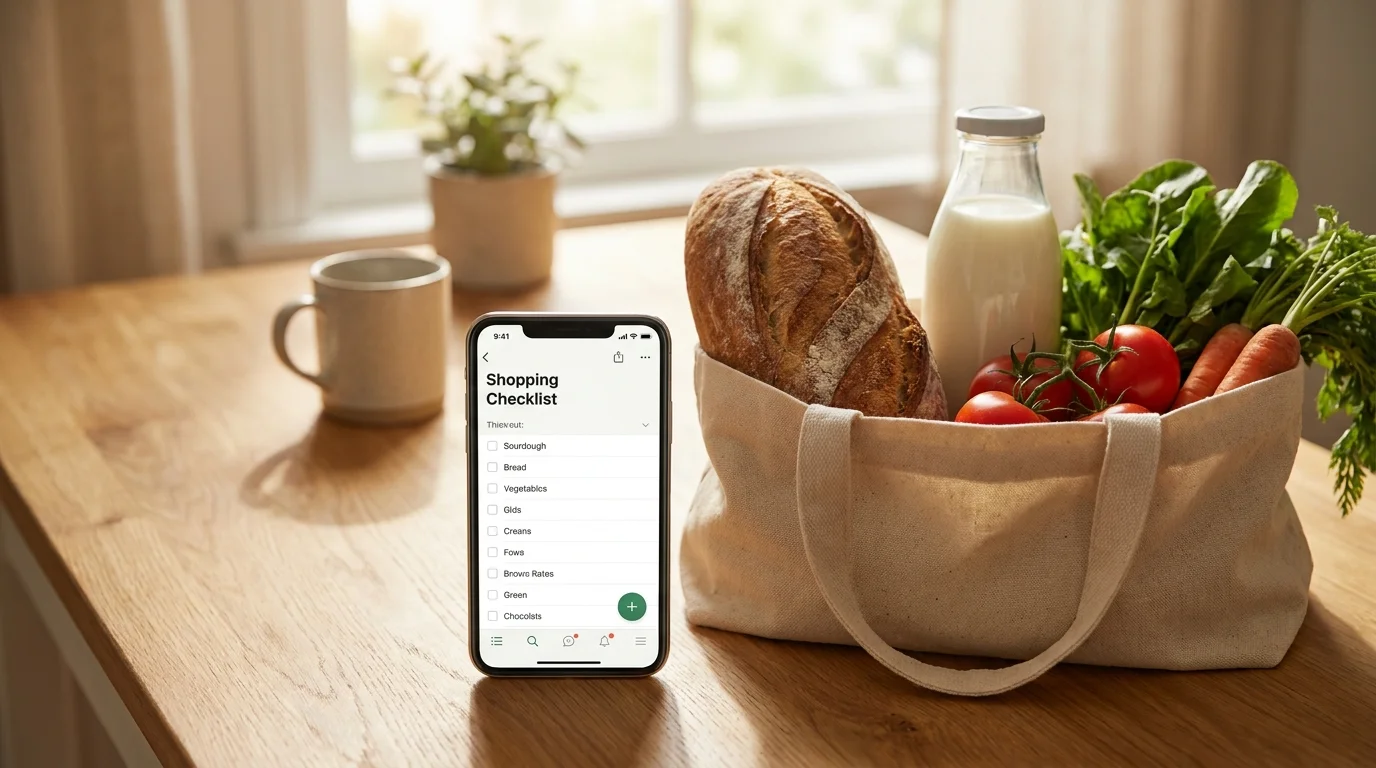
Solution: one shared list accessible to all participants. It doesn't matter what you choose—an app, a shared note, or a mini-app in a messenger. What matters is that everyone adds items only there.
Mini-checklist for choosing a place
- Accessible to everyone (Android/iOS, without complicated registration).
- Synchronization—changes are visible immediately, not "when I open it."
- Easy to add—otherwise, people will write in the chat.
- Works in the store (internet can be unstable, interface should be fast).
If you often shop together and want real-time updates, it's convenient to keep the list in a Telegram Mini App—for example, in Pickt (@PicktBot) the list is shared, and changes are visible to everyone immediately: t.me/PicktBot/app.
Step 2. Agree on Rules: How to Add Items to Avoid Chaos
Even the perfect tool won't help if everyone writes "milk" differently, without quantity or details. Then the list becomes a guessing game and gets "lost" again—in meaning.
Your goal is a unified recording format that any family member can understand without context.
Rules that actually work
- Item + quantity + detail: "Milk 2×1 L, 3.2%."
- If brand matters—write it: "Buckwheat groats, Mistral."
- If price matters—write a limit: "Cheese up to 450 RUB."
- If store matters—note it: "Cat food (pet store)."
- Don't write abstractly: instead of "something for tea"—"oatmeal cookies, 2 packs."
Additionally, agree that messages in the family chat are not considered purchase requests. If someone writes "buy bread," the only response is: "add it to the list." This quickly trains everyone to use the system.
Step 3. Break the List into Categories to Fill Your Cart in 7–10 Minutes
When purchases are in one long list, you waste time going back and forth in the store and easily miss important items. Categories turn the list into a "store route"—you go through departments and check off items without chaos.
This is especially important if you're looking for how to maintain a shared shopping list that is convenient for any family member.
Basic categories (suitable for most)
- Vegetables/Fruits
- Dairy and Eggs
- Meat/Fish/Frozen
- Dry Goods (grains, pasta, oil, canned goods)
- Bread/Bakery
- Beverages
- Household (cleaning products, paper)
- For Kids/Pets (if applicable)
If you shop at the same supermarket, adjust the categories to the actual store layout: this makes the list even faster. And if you often buy "on the way," add a category "Urgent/Today."
Step 4. Introduce Roles: Who Adds, Who Checks Stock, Who Buys
The list stops getting lost when it has "process owners." This isn't about control, but about clarity: who ensures the list is complete and up-to-date.
Roles can change weekly—like duties. The important thing is that they exist.
Example of role distribution in a family
- Kitchen curator: checks basic products every 2–3 days (milk, eggs, bread, oil).
- Home curator: monitors household consumables (detergent, paper, capsules, sponges).
- Shopper: the one who goes to the store, marks purchased items, and clarifies disputed items.
If you live together as a couple, one rule is enough: "whoever notices, adds." But one person (e.g., the one who cooks more often) does a quick final check before shopping.
Step 5. Set Up "Anti-Loss": Synchronization, Marking, and Quick Templates
Even a good list can get "lost" in the moment: someone bought something but didn't mark it; someone added something but another didn't see it; someone accidentally deleted it. So you need a minimum set of habits and features that protect the list from errors.
What helps in practice
- Mark purchased items immediately in the store, not "later at home."
- Don't delete items silently: if in doubt, leave a comment or clarification.
- Templates for regular purchases: "breakfast," "weekly dinners," "for cleaning."
- One cart—one responsible person: if two people are shopping, agree who marks items on the list.
If you use a tool with real-time updates, the risk of duplicates and "I didn't see it" drops sharply. In Pickt, for example, it's convenient to keep one shared list in Telegram and mark purchases as you move through the store—changes are immediately visible to all participants.
Step 6. Create a 2-Minute Ritual Before Shopping: Check, Priorities, Budget
The final reason a list "doesn't work" is that it has no priorities. When you enter the store tired, your brain chooses the easy and familiar, and important items may be overlooked.
The ritual takes 2 minutes and saves 20 minutes and unnecessary spending.
How the ritual looks
- Check for duplicates: "milk" and "milk 2 L"—merge.
- Priorities: mark 3–5 items as "must get" (dinner, kids' items, medicine/hygiene).
- Budget limit: if needed, add "up to X RUB" to disputed items.
- Store plan: what to buy at the supermarket, what at the pharmacy/market.
This answers the common question "how not to forget to buy groceries": you don't rely on memory but make the list manageable.
Conclusion: A family shopping list doesn't get lost when it is single, clear, structured, and follows simple rules. You spend less time in the store, buy less unnecessary stuff, and almost never encounter the situation "I thought you were buying it."
Frequently Asked Questions
How to create a weekly shopping list for a family without forgetting anything?
First, write down 5–7 basic meals for the week, then break down the ingredients by store category. Add regular items (milk, eggs, bread, fruit) and household consumables. Finally, do a 2-minute check for duplicates and priorities.
What if someone in the family doesn't use the list and writes in the chat?
Agree that a "request" exists only in the list: respond to chat messages with "add it to the list." After 1–2 weeks, the habit will stick, especially if adding to the list is really fast.
How to maintain a shared shopping list when different people shop at different times?
You need one shared list with synchronization and the rule: bought it—immediately marked it. Additionally, a category "Urgent/Today" and store notes (supermarket/pharmacy/market) help.
How to avoid duplicates and unnecessary purchases?
Write items in the format "item + quantity + detail" and merge similar entries once a week. Before going to the store, do a quick list check and mark priorities—this reduces impulse purchases.