Grocery list FAQ answers typical questions about managing a single list for multiple people without duplicates or forgotten items. A shared list helps quickly add items, see changes in real time, and distribute purchases among participants. Below are 12 common questions with short, practical answers you can use right away.
1) What is a shared grocery list and how is it better than a regular one?
A shared grocery list is a single list accessible to several people: family, couples, roommates, or colleagues. Its advantage is that everyone sees current items and changes without sending 'final versions' via messenger. This reduces the risk of buying the same thing twice and helps avoid forgetting important small items.
2) How to quickly share a grocery list with another person?
Usually, just send an invitation link or add a participant by contact within the app. It's important that the invitation grants access only to the specific list, not your entire personal account. If you manage your list in Telegram, using a mini-app like Pickt (t.me/PicktBot/app) is convenient: sharing is easier because participants are already 'inside' the messenger.
3) Is registration and a separate app required for a shared list?
It depends on the service: some require separate installation and email registration, while others work within familiar platforms. For families and roommates, an option with the simplest login is more convenient, otherwise some participants may stop using the list. Mini-apps in Telegram often solve this problem: access via a Telegram account without extra steps.
4) How does real-time synchronization work and why is it important?
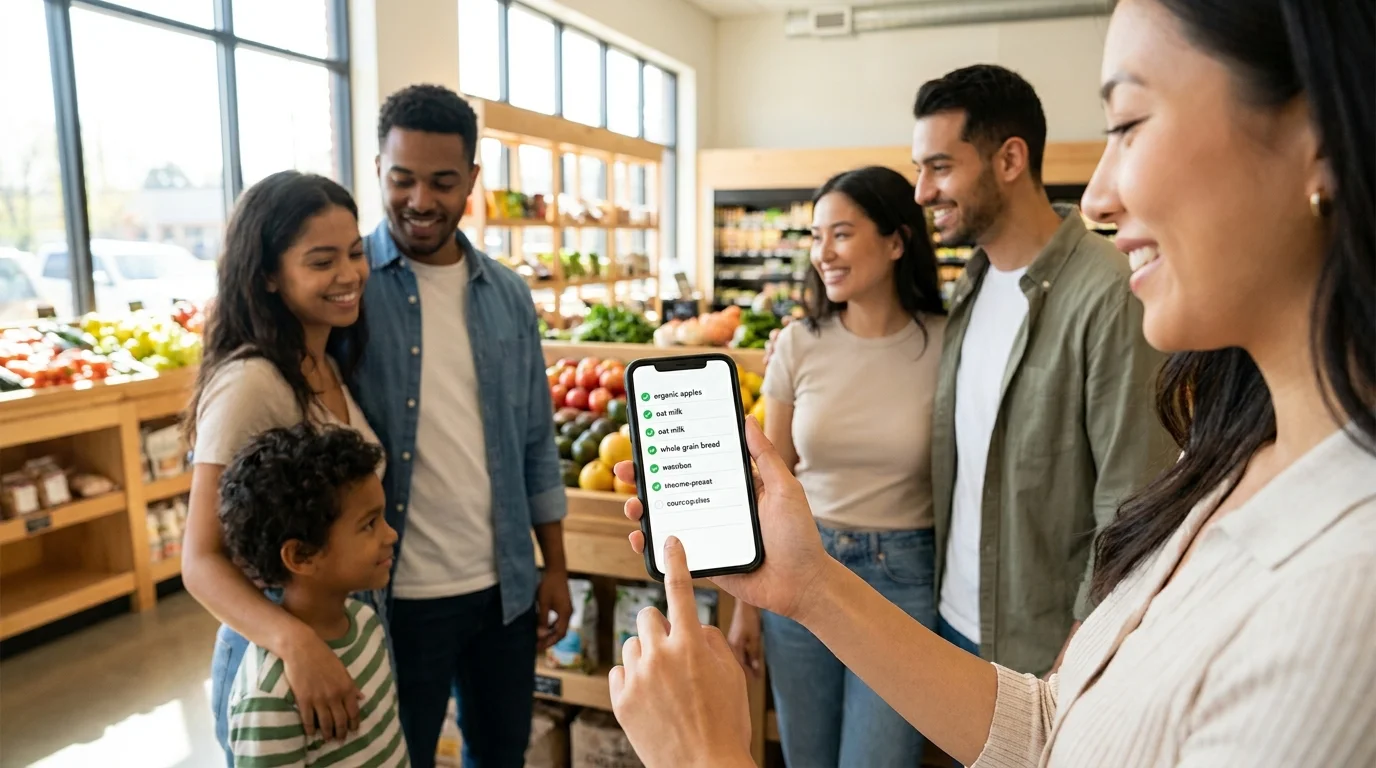
Real-time synchronization means that additions, deletions, and 'bought' marks are immediately visible to all participants. This is critical when one person is already in the store and another suddenly remembers milk or cat food. Without real-time sync, people start duplicating purchases and arguing about 'who marked what'.
5) How to avoid duplicates in the list when several people add items at the same time?
The best way is to agree on rules: add an item with specifics (e.g., 'milk 2.5% 2 L') and check the list search before adding. Auto-suggestions and a uniform naming format are helpful so that 'cheese' and 'hard cheese' don't turn into two unnecessary items. If the service supports quick edits, it's easier to merge duplicates on the spot without putting it off.
6) How to properly format items: quantity, units, brands?
The minimum standard is name + quantity + unit of measurement: 'bananas 1 kg', 'eggs 10 pcs'. Add brand and characteristics only where important: 'ground coffee Lavazza 250 g' or 'baby food 6+'. This approach makes the list understandable to any participant and speeds up shopping.
7) Can purchases be distributed among participants (who buys what)?
Yes, and this is one of the main scenarios for a 'shopping list for two' or a family: one takes household chemicals, the other takes groceries. Ideally, the service allows marking items with a responsible person or at least adding short comments like 'I'll get it'. Even a simple rule like 'whoever added it buys it, unless agreed otherwise' already reduces chaos.
8) How to manage a shared grocery list for a family with different habits and diets?
Divide the list into logical blocks: 'general', 'for kids', 'lactose-free', 'for breakfasts', so no one has to search for their items in a big pile. If categories aren't available, use clear prefixes in the name: '[kids] yogurt', '[gluten-free] crackers'. This is especially useful when multiple generations of a family contribute to the list with different priorities.
9) What to do if the internet in the store is weak or goes out?
Check if your service supports offline access or at least caching the latest version of the list. If there's no offline mode, open the list before entering the store so it can load. A backup plan also helps: keep a short 'must-have' list (water, bread, milk) as separate items so they're easy to remember even without a connection.
10) How to organize the list by stores and departments to shop faster?
The most effective method is sorting by department: vegetables, dairy, meat, pantry, household chemicals. This way, you go through the store in one route and don't have to go back for a forgotten item. If you shop at different places, add notes: '(near home)', '(hypermarket)', '(pharmacy)' — this is a simple hack for a shared grocery list.
11) How to store purchase history and repeat regular items?
Purchase history is useful for regular items: coffee, pet food, diapers, grains, household chemicals. It's convenient when you can quickly return 'frequently bought' items to the list with one tap or by copying last week. If there's no such feature, create a template list 'basics' and periodically transfer relevant items from it.
12) How to choose a convenient service: what to look for first?
For the query 'grocery list FAQ', the key criteria are usually the same: simple participant invitation, real-time synchronization, convenient 'bought' marks, and quick edits. Additionally, evaluate whether there are categories, list search, and the ability to work on different devices. If a low entry barrier for the family is important, try solutions within Telegram, like Pickt: a free mini-app for shared lists with synchronization between participants.
Conclusion: how to implement a shared list without extra effort
Shared grocery lists work best when there are simple rules: a uniform item format, clear notes, and the habit of marking purchased items immediately. Start with one 'weekly' list, add basic categories, and agree on how to avoid duplicates. After 1–2 weeks, this approach usually becomes an automatic habit and saves time, money, and stress.
Related queries:
- shared grocery list
- shopping list for two
- app for shared shopping
- how to manage a grocery list with family