
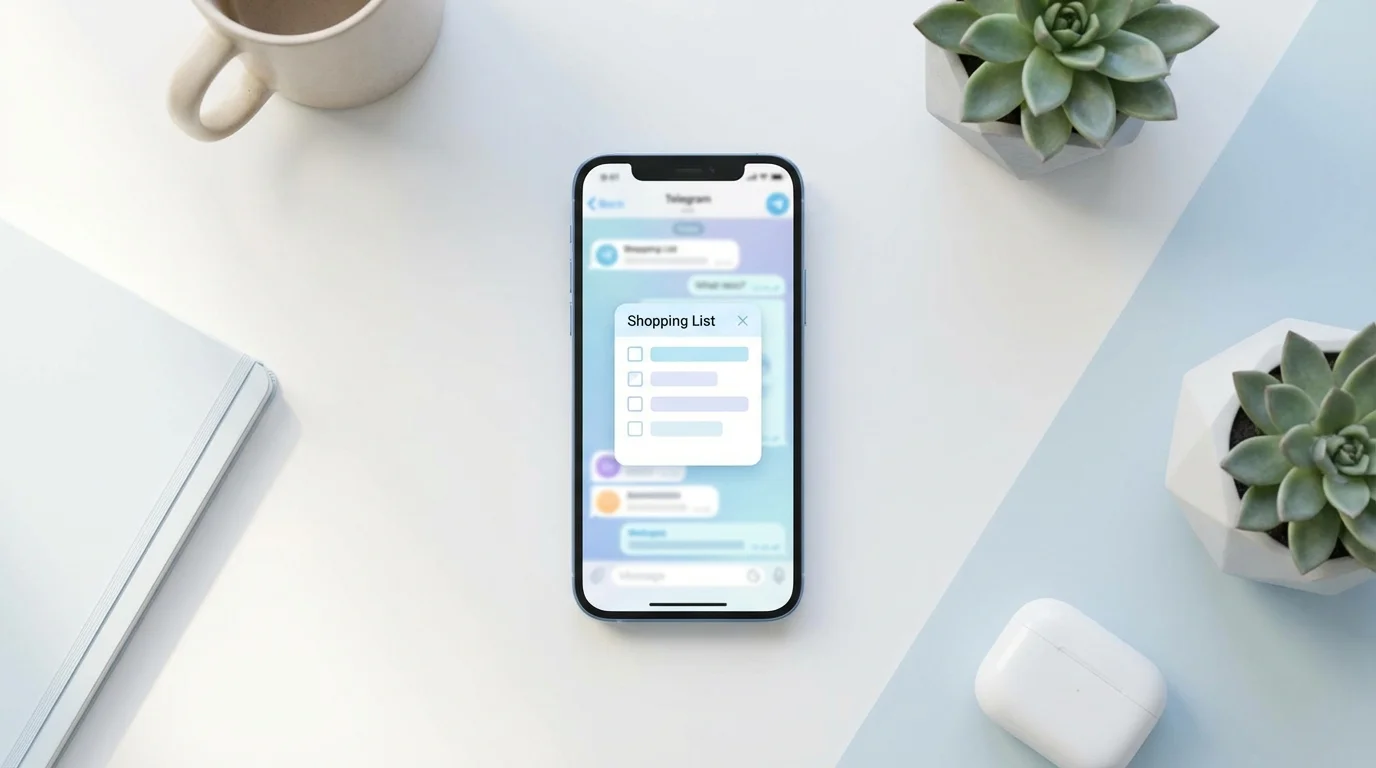
Telegram has long ceased to be just a messenger. Today it's an ecosystem where you can order food, book a service, pay for a subscription, or manage task lists without leaving the chat — all through Telegram Mini Apps.
If you haven't tried Telegram mini-apps yet, you're missing out: they launch quickly, require no installation, and are often already 'at hand' — in familiar chats and bots. Below, we'll break down what they are, how they differ from bots, and how to use Mini Apps safely and beneficially.
This article will be practical: with examples, a checklist, and tips on where to find Mini Apps and how to determine if they're trustworthy.
What Are Telegram Mini Apps in Simple Terms
Telegram Mini Apps are web applications that open directly inside Telegram. Essentially, they are mini-services with an interface (buttons, forms, catalogs, shopping carts) but without a separate installation from the App Store or Google Play.
Typically, Telegram mini-apps are launched via a bot or a link and then open in a built-in Telegram window. The user stays in the messenger, while the app gets the ability to display a convenient interface and perform actions: place orders, collect data, manage lists, accept payments.
Important: Mini Apps are not 'Telegram magic' but web technologies packaged in a convenient shell. Therefore, they update quickly and can work the same on iOS, Android, and Desktop.
How Mini Apps Differ from Bots and Regular Apps
A bot in Telegram is mainly a dialogue: commands, buttons, message replies. A Mini App is a full-fledged interface, similar to a website or app, but inside Telegram.
Compared to regular mobile apps, Mini Apps win in startup speed and simplicity: you don't need to search for an app in a store, download it, grant extra permissions, or go through registration again. Just open the Telegram mini-app — and you can start working.
A quick comparison by feel:
- Bots — convenient for quick actions and inquiries, but the interface is limited to messages.
- Telegram Mini Apps — convenient for tasks that require a screen, forms, lists, catalogs, settings.
- Separate apps — more powerful in terms of device capabilities, but require installation and often take longer to 'integrate into life'.
In practice, many services combine both approaches: a bot helps find the needed function and sends notifications, while a Mini App provides a convenient screen for work.
Where to Find Telegram Mini Apps and How to Launch Them
The most common question is where Telegram Mini Apps even 'live'. They don't have a single store in the traditional sense, so entry usually happens through bots, links, and recommendations.
Here are the main ways to find and open Telegram mini-apps:
- Via a bot. You open a chat with a bot and click the launch button (e.g., 'Open app', 'Open', 'Start').
- By link. A link in the format t.me/…/app immediately opens a Mini App inside Telegram.
- Via the attachment menu/buttons in chats. Some Mini Apps are launched from buttons under messages or from pinned elements.
If you want to understand how to use Mini Apps regularly, start with a simple rule: save useful bots to a separate folder or pin the chat. This way, the mini-app will open in two taps.
How to Use Mini Apps in Everyday Tasks: Practical Scenarios
For Mini Apps to truly become useful, it's important to choose scenarios where they save time. Below are several typical tasks that are well-solved inside Telegram.
1) Shopping and Household Lists
Telegram mini-apps are great for lists: add items, mark what's purchased, share with loved ones. Plus — everything is in one place where you already communicate.
2) Orders and Bookings
Cafes, delivery, services, reservations — a Mini App can show a catalog, available slots, addresses, and payment. This is faster than manual correspondence and more convenient than opening a separate website in a browser.
3) Payments and Subscriptions
Some Telegram Mini Apps support payment within the interface. This is convenient, but it's especially important to check who you're paying and what data you're entering.
4) Team Tasks
Collecting applications, simple forms, checklists, internal mini-services — all of this can live in Telegram. For small teams, this is often faster than implementing separate software.
A mini-checklist to integrate Mini Apps into your routine:
- Choose one task you do every week (shopping, booking, ordering).
- Find a suitable Telegram mini-app via a bot or link.
- Pin the chat with the bot or add it to a folder.
- Grant access to those you do the task with (family/team).
- Check notifications so you don't miss changes.
Security and Privacy: What to Look For Before Using
Telegram Mini Apps are convenient, but they are still applications that can request data and display external pages inside Telegram. Therefore, basic hygiene is essential here.
What to pay attention to before using Mini Apps:
- Source. Open Telegram mini-apps via links from official channels, the company's website, or trusted recommendations.
- Bot name and username. Scammers often copy brands by changing one letter.
- What data is needed. If an app for a shopping list suddenly needs a 'full profile' — that's a reason to be cautious.
- Payment. Before paying, make sure you understand who you're paying and for what, and that the interface looks correct.
- Permissions and access. Don't grant unnecessary permissions or enter sensitive data without need.
The good news: for many everyday scenarios, Mini Apps can work with minimal data — which is both more convenient and safer.
Frequently Asked Questions: Why Mini Apps Might Not Open or Work Strangely
Sometimes Telegram mini-apps don't launch on the first try or look 'wonky'. Most often, the reason is not Telegram itself, but device settings or the app version.
What you can quickly check:
- Telegram update. An outdated version may open Telegram Mini Apps incorrectly.
- Internet and VPN. Some networks block web components or scripts.
- Cache. If the interface freezes, try closing the Mini App and reopening it, or restart Telegram.
- Device limitations. On older devices, complex interfaces may work slower.
If the Mini App is linked to a bot, a simple step sometimes helps: open the chat with the bot, press 'Start' again, and repeat launching the app.
Conclusion
Telegram Mini Apps are a fast way to solve everyday tasks right in the messenger: without installation, extra registrations, and switching between dozens of services. If you understand how to use Mini Apps consciously and check sources, it becomes a convenient everyday tool.
For household tasks like shared shopping lists, it's convenient to use Pickt — a free mini-app in Telegram with real-time synchronization: t.me/PicktBot/app. It fits well into the familiar scenario of 'wrote in the chat — immediately added to the list'.