How Not to Forget to Buy Groceries After Work: Simple Habits and Reminders
After work, your mind is full of tasks, the commute home is full of traffic, and chores are waiting at home. In this mode, 'stopping by the store' often turns into improvisation: we grab what we see and forget what we actually need. The result is a second trip, extra expenses, and frustration.
The good news: to not forget groceries, you don't need to become a super-organized person. A couple of habits and a convenient shopping reminder that triggers at the right moment — by time or location — are enough.
Below are practical techniques that help make shopping after work calm and without the "oops, forgot the milk again" moment.
Why We Forget Groceries Specifically After Work
In the evening, the brain conserves energy: after a workday, concentration decreases, and we more often act on autopilot. Autopilot is good for getting home, but bad for precise tasks like 'buy exactly 7 items'.
Another reason is the list in your head. It seems short until you're at the shelf. In the store, new desires pop up, and important basic items (bread, eggs, vegetables) slip your mind.
The third factor is blurred responsibility in a family or couple. One thinks the other will buy it, and in the end, no one does. Therefore, it's better to agree in advance who buys what and record it in a list.
Compile Your List in Advance: The "1 Minute" Rule
The simplest way not to forget groceries is to not try to remember everything at the checkout. Compile the list throughout the day, as soon as the thought occurs. It takes less than a minute, but in the evening you simply execute the plan.
The rule that works is: "remembered — immediately wrote it down." Don't put it off for later, because 'later' usually happens when you're already home.
Mini-checklist: How to quickly compile a list
- Open a note/list and add items as soon as a product runs out.
- Divide the list by categories: vegetables, dairy, meat/fish, groceries, frozen, household items.
- If a product repeats every week — leave it in the list as a template and mark it off as you buy it.
Categories are especially helpful in the evening: you 'wander' less around the store and find what you need faster.
Set Up a Shopping Reminder: Time, Location, and Triggers
A regular "buy groceries" reminder at 7:00 PM often doesn't work: you might be on the subway, on a call, or have already passed the store. It's better to use several triggers.
1) Time-based reminder
Choose a moment when you usually finish work or leave the office. For example, 10–15 minutes before leaving: this way you have time to open the list and plan your route.
2) Location-based reminder
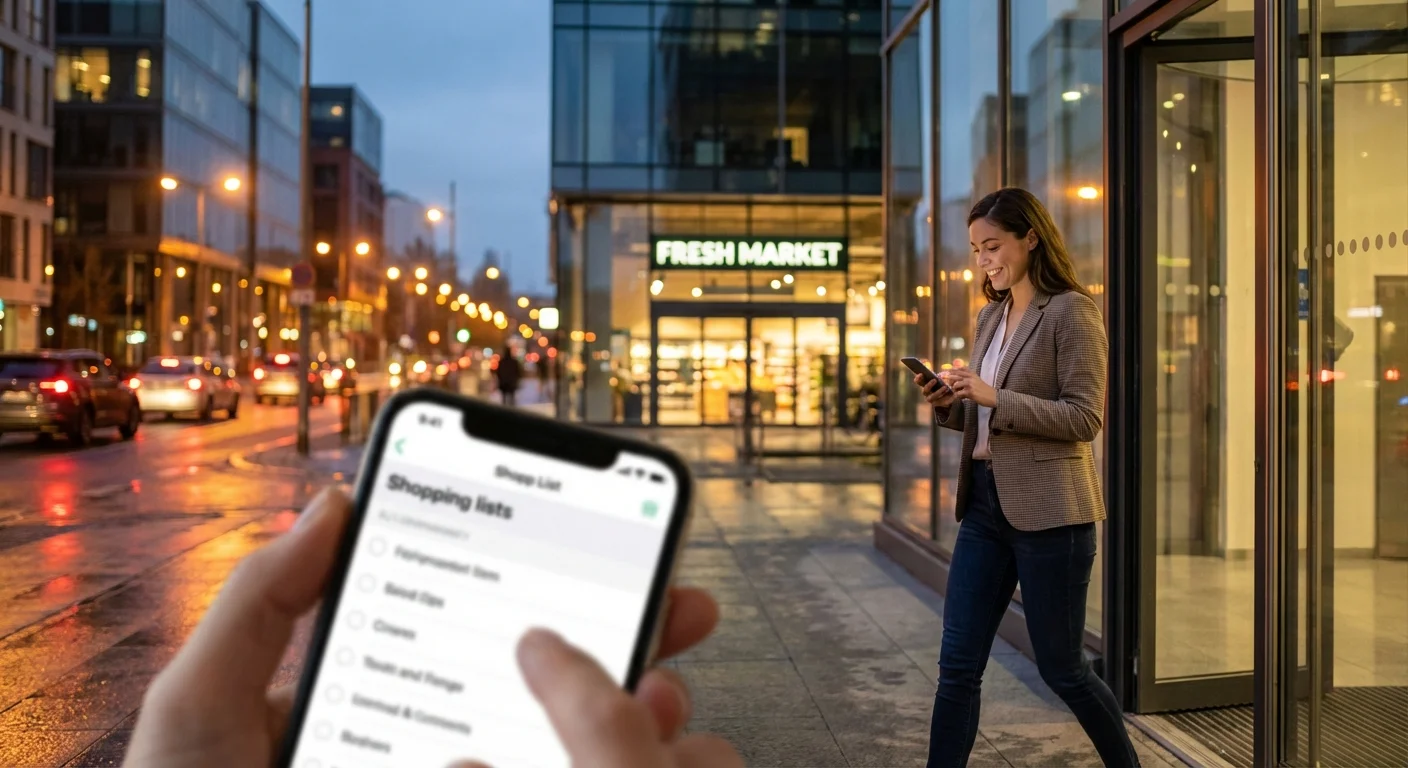
If your phone supports geofencing reminders, set a trigger near the store by your home or on your route. This is the most reliable option for shopping after work: the reminder comes exactly when it's needed.
3) "Before home" trigger
Another effective approach is a reminder at the entrance/parking lot. It helps you not to skip the store 'on autopilot' when you're already mentally home.
Short checklist: The perfect reminder combination
- 15 minutes before leaving — "Check your shopping list."
- At the store — "Buy according to the list."
- Before checkout — "Check 3 basics: bread/milk/eggs (or yours)."
This way you cover three weak spots: forgot to open the list, walked past the store, didn't check basic items.
Make Your List 'Smart': Quantity, Substitutes, and Priorities
A shopping list works better when it's specific. "Vegetables" is too vague, but "4 tomatoes + 2 cucumbers" is already a task that's easy to complete.
What to add to the list to avoid mistakes
- Quantity: 1–2 words, but saves a repeat trip.
- Budget substitute: if the desired brand isn't available, what to get instead.
- Priority: mark what's critical for dinner tonight and what can be postponed.
Priorities are especially useful when you're tired and want to shorten your route: first you get the important things, and the rest — depending on the situation.
Another technique is the "impulse purchase stop-list." If you know you often buy extras (sweets, snacks), decide on a rule in advance: for example, "I only take one dessert" or "I only buy sweets on weekends." This reduces noise and helps you stick to the list.
Agree with Loved Ones: Shared List Instead of Messaging
When several people are shopping, forgotten groceries most often appear due to miscommunication. A message "buy milk" gets lost in the chat, and "I thought you would buy it" turns into a classic evening scene.
The solution is one shared list where you can see what's already added and what's bought. Then there's no need to forward screenshots of notes and clarify if an item is still relevant.
How to quickly set up joint shopping
- Agree: everyone adds items as soon as they remember.
- Specify details in the item itself (milk fat percentage, weight, brand).
- Mark purchased items right in the store so the other person doesn't buy them again.
This way you reduce the number of messages and increase the chance that a shopping reminder leads to actual purchases, not a conversation about "what exactly to get?".
Optimize Your Route: Store 'On the Way' and 15-Minute Shopping
Sometimes we forget groceries not because there's no list, but because 'there's no energy.' In the evening, you want to get home faster, and the store seems like a separate big task. Make it small.
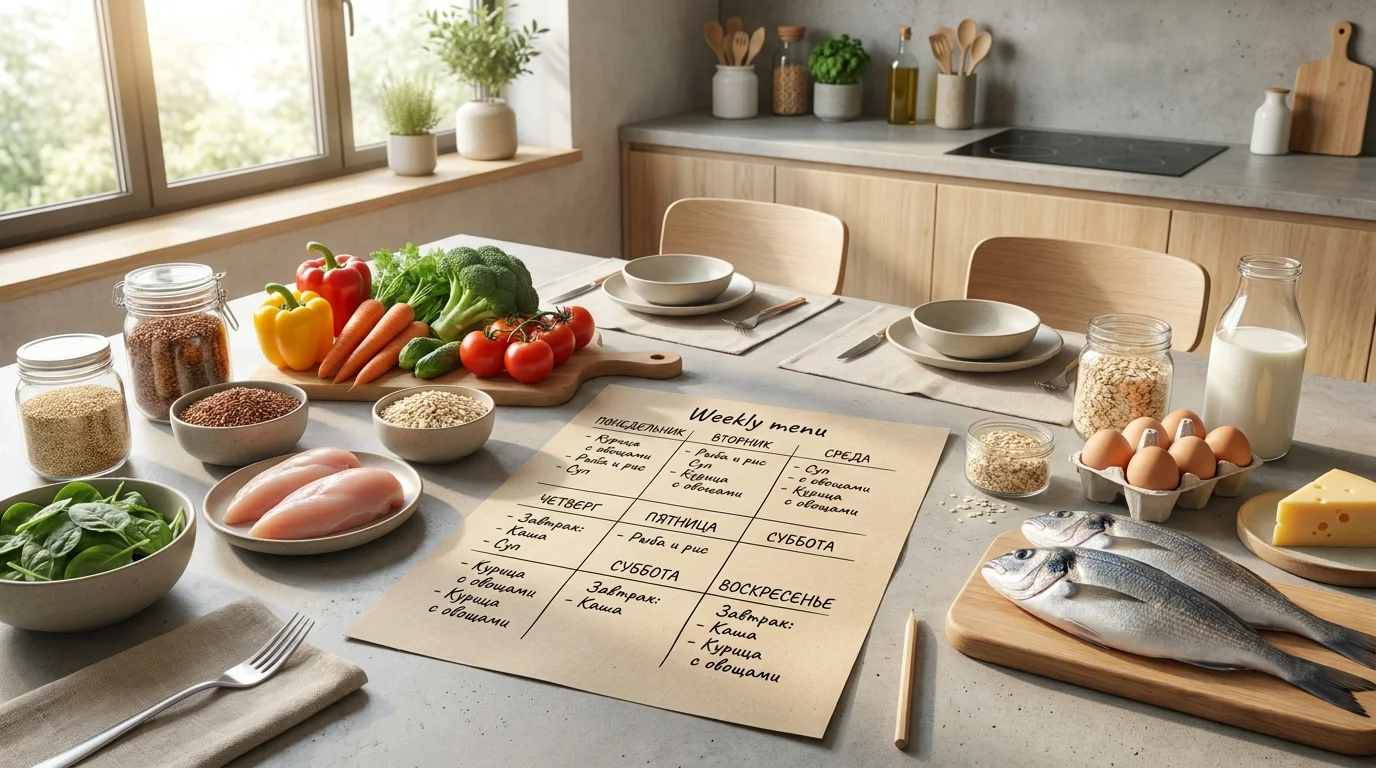
Choose one 'go-to' store on your route and keep your list so that shopping takes 10–15 minutes. Grouping by departments and a short set of basic products for the week helps with this.
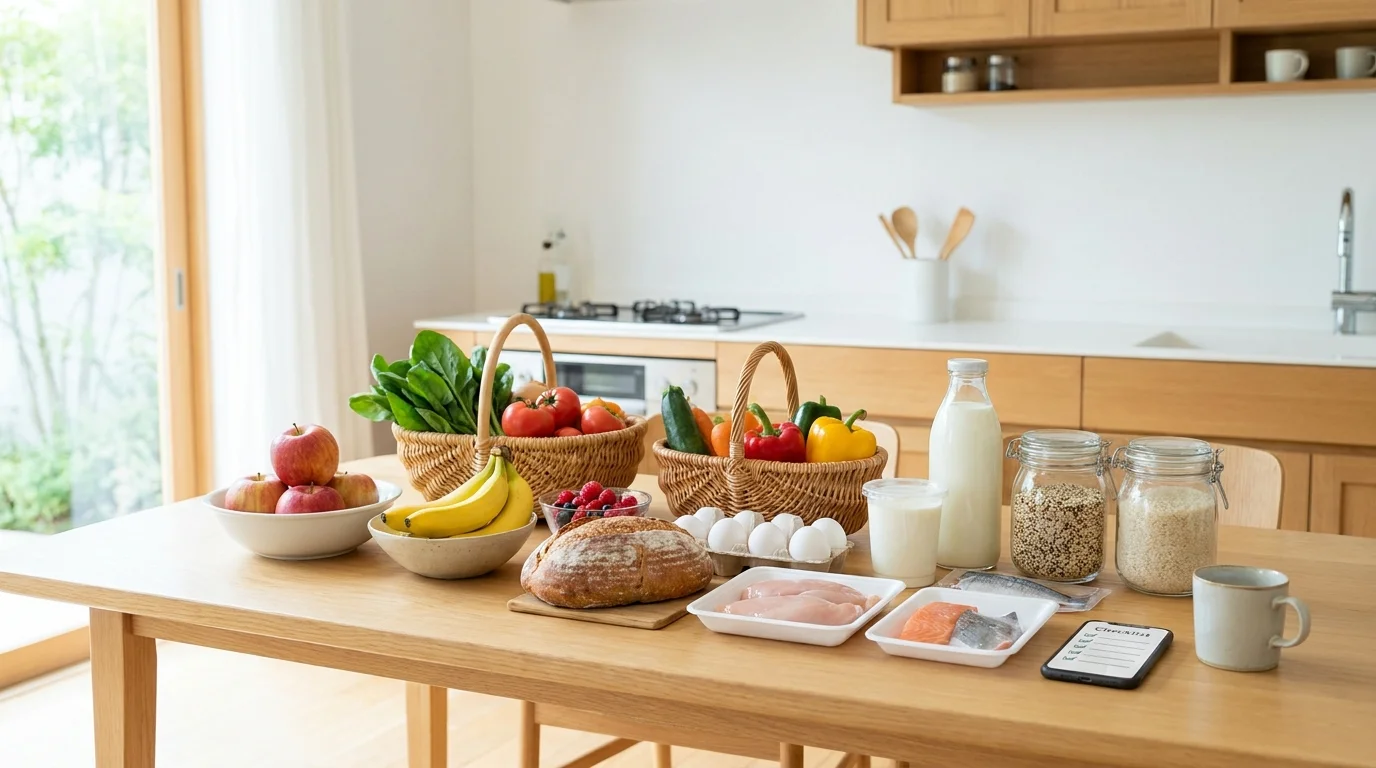
A handy base to keep on hand (adapt for yourself): grains/pasta, eggs, milk/yogurt, salad vegetables, fruit, chicken/fish, bread/pita, oil, tea/coffee. When you have the base, you only buy the 'variable' items and less often find yourself in a "nothing to cook" situation.
Conclusion
To not forget groceries after work, what's important is not willpower and perfect memory, but a system: a list, specifics, and the right triggers. Compile your shopping list in advance using the "1 minute" rule, use shopping reminders by time and location, add quantity and priorities — and your evening trips to the store will become noticeably calmer.
If you're not shopping alone, it's most convenient to maintain a shared list with synchronization so everyone sees changes in real time. For example, Pickt — a free mini-app in Telegram for shared shopping lists that you can open right in the chat: t.me/PicktBot/app.