Paper List vs App: Which is More Effective for Shopping
Almost everyone has the habit of "quickly jotting down a list" before going to the store. Some write on paper, others in notes, and some use a shopping list app. And while everything is simple, it seems like there's no difference.
But as soon as shopping becomes regular, joint trips to the store, family budgeting, and multiple shopping locations (supermarket, market, pharmacy) come into play, it turns out: efficiency isn't about "what's convenient today," but about how many mistakes you make and how much time you waste.
Below is a practical comparison: where a paper list wins, where an app is stronger, and which option is better suited for different scenarios.
Speed and Convenience: What's Faster in Real Life
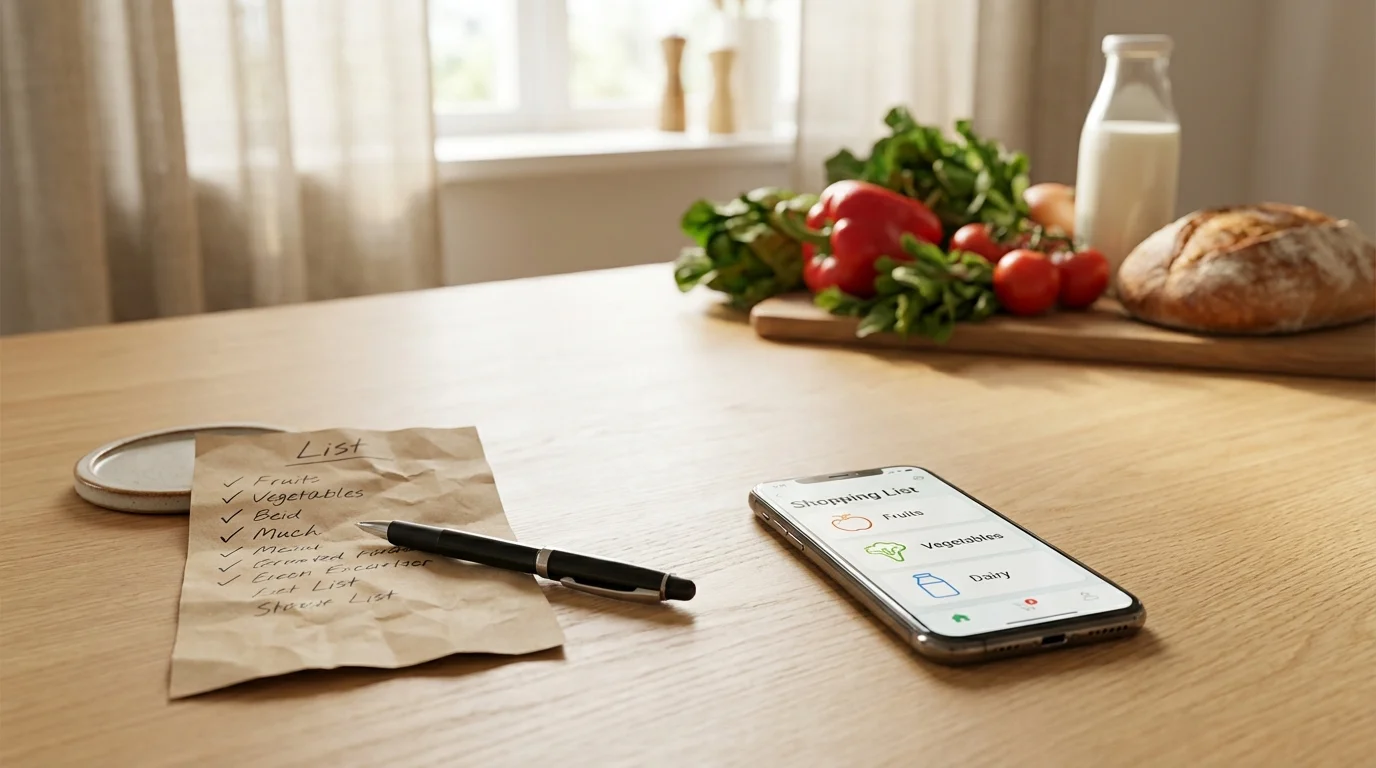
A paper list is good because it's extremely straightforward: you take a pen, write it down, put it in your pocket. It doesn't depend on the internet, battery, or notifications. For a one-time "bread-milk-eggs" purchase, it's indeed fast.
But in reality, speed isn't just about "how fast you can write," it's also about "how fast you can update." With a paper list, any change means crossing out, adding notes in the margins, arrows, and the risk of missing something important.
A shopping list app usually wins when the list lasts longer than a day. You can add an item on the go, by voice (if using dictation), from past purchase history, or right while cooking when you run out of cereal.
Mini-checklist: When Paper is Faster
- One person is going to one store and the list is short.
- The purchases are one-time, without recurring items.
- You need to write it down right now, and your phone is dead.
Accuracy and Fewer Mistakes: What Helps You Not Forget and Not Duplicate
The main problem with a paper list is the human factor. You can forget the piece of paper at home, lose it on the way, get it wet, or tear it. And it's also easy to misread: "pasta" — what kind exactly, "cheese" — what variety, "vegetables" — which ones and how much.
In an app, it's easier to specify: add comments, quantities, brands, notes like "for salad" or "sugar-free." Even if you don't use advanced features, the mere fact that the list is always on your phone already reduces the chance of "oops, the list is on the table."
Another common scenario is duplicates. On paper, it looks like this: you wrote "milk," then someone asked for "milk" again, and you end up with two cartons in the cart when you only needed one. In a digital list, it's easier to spot a repeat and merge items.
Practice: How to Make Any List More Accurate
- Write not "cheese," but "hard cheese 200g" or "mozzarella 2 pcs."
- Add context: "for pasta," "for breakfast," "for the week."
- Separate by departments: vegetables, dairy, groceries — this leads to fewer omissions.
Shared Shopping: Where Paper Lists Most Often Lose
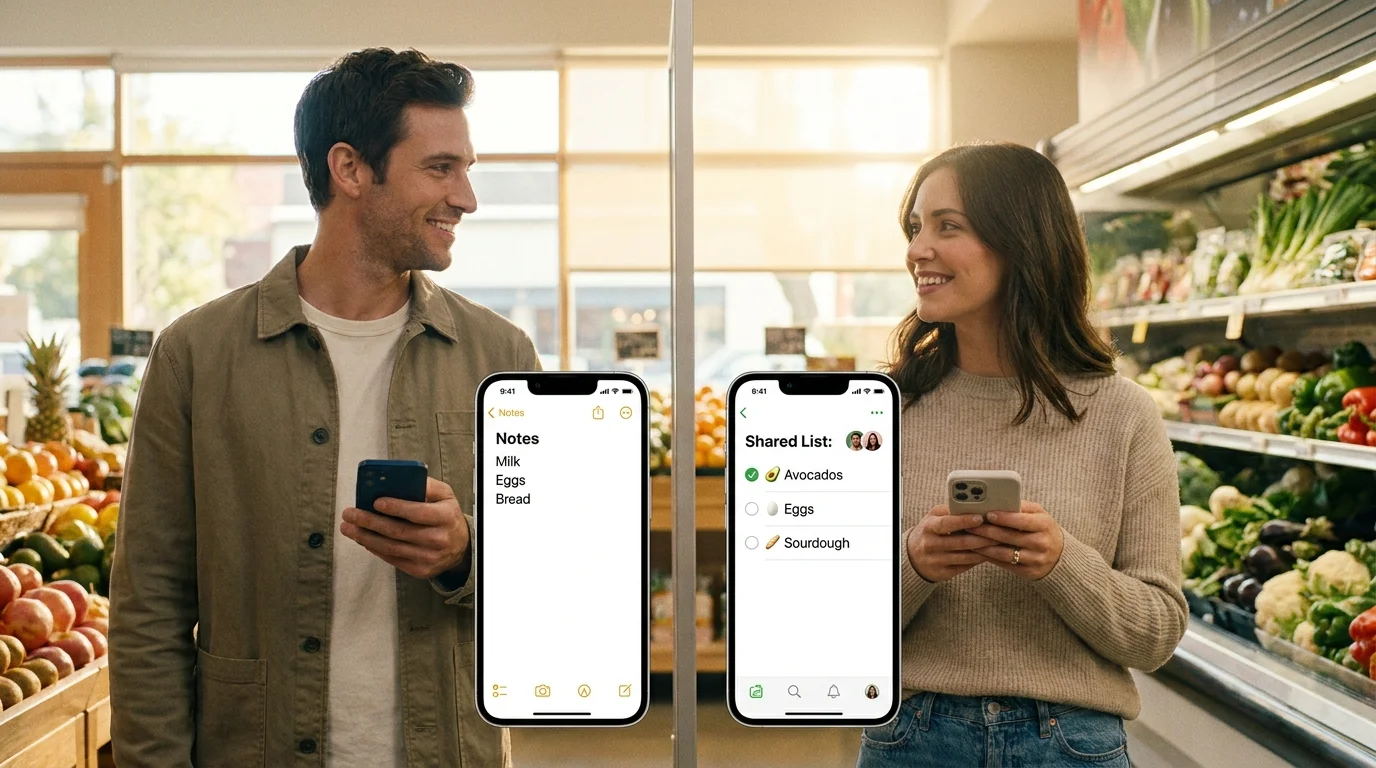
As soon as a list becomes shared (couple, family, roommates), a paper list starts to break down. It's physically one object: either with you or with the other person. If someone added an item, the other person won't know about it.
This leads to typical problems: "I thought you would buy it," "I didn't see you added that," "we bought the same thing." At best, it's extra spending; at worst, a ruined dinner because you forgot the main ingredient.
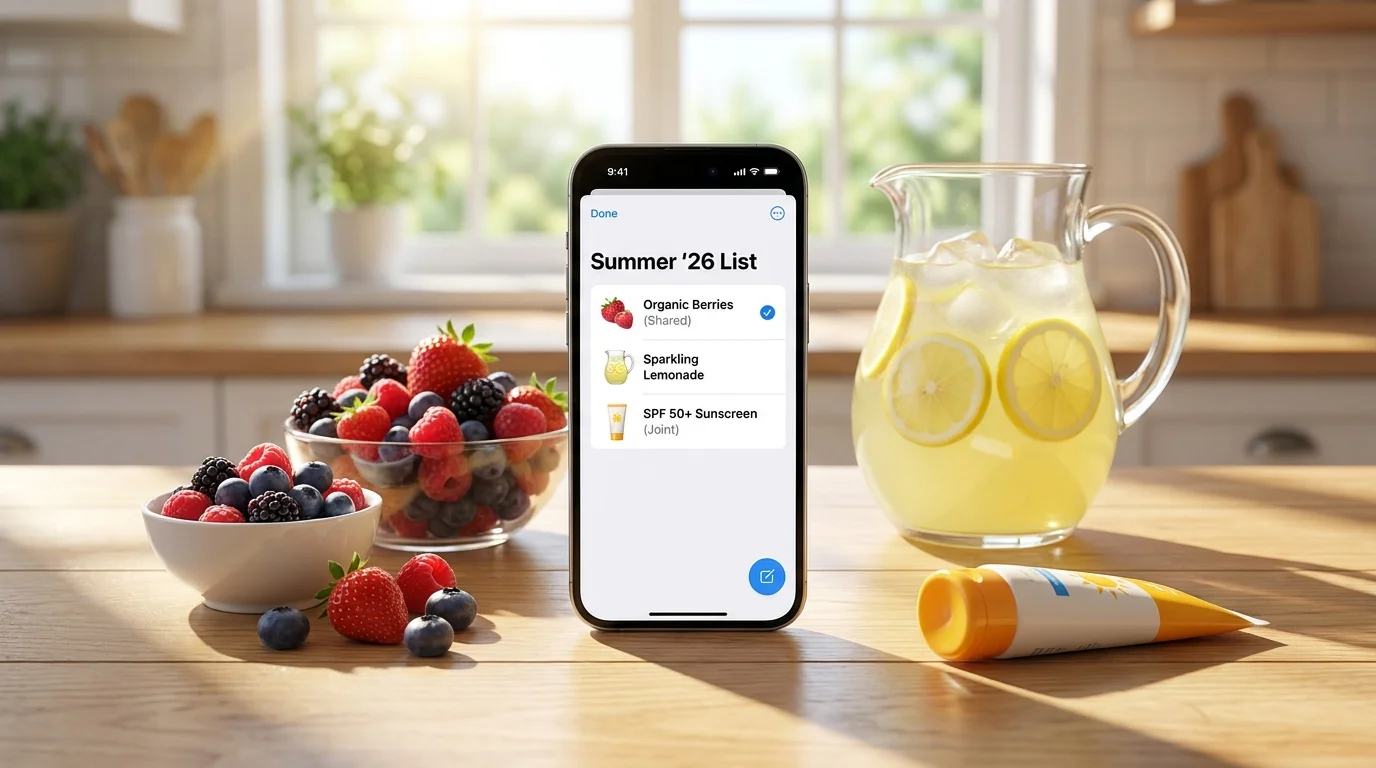
A shopping list app in shared mode specifically addresses this class of errors: there's one list, but it's accessible to all participants. If someone marks an item as purchased, it's visible immediately. If someone adds a new item — it appears for others without forwarding or screenshots.
If you've ever tried to maintain a shared paper list, you know what it turns into: photos of the piece of paper in a messenger, clarifications like "what's after butter?," and in the end, someone still goes a second time. For shared shopping, the digital format is almost always more effective.
Budget Control and Impulse Purchases: What's Easier to Restrain
A paper list works well psychologically against impulse purchases: you see the final set and it's easier to stay focused. But it doesn't help with budgeting if you don't write down prices in advance (and that's rarely done).
A shopping list app can be more useful if you're used to planning. Even without exact prices, a digital list helps avoid buying extra: you mark what's purchased, see your progress, and don't return to the same department "just in case."
There's another point: paper lists are often written "as you remember," and in the store, you walk around chaotically. A digital list is easier to structure by categories, and this reduces wandering around the store and the temptation to grab something extra along the way.
Checklist Against Unnecessary Spending (Suitable for Both Paper and App)
- Go to the store with a specific goal: "shopping for 3 days" or "only dinner."
- First, check what you already have at home (especially cereals, spices, household chemicals).
- The list should only contain specific items, no "something tasty."
- If you're buying on sale, only add items to the list that you will definitely use.
Reliability and Habits: When Paper Still Makes Sense
It's important to honestly admit: a paper list isn't "worse," it just solves a different problem. It's ideal when you value simplicity and don't want to set up anything at all. It also helps in situations where your phone might fail: dead battery, lost connection, inconvenient to take out in the cold.
But if you regularly buy the same things, do weekly shopping, share responsibilities with a partner, or live in "added on the way" mode, a paper list starts to require too much manual discipline. And that's exactly what makes it less effective: it works as long as you don't forget and don't make mistakes.
The digital format wins by supporting the habit: the list is always nearby, it's easy to add to, and sharing eliminates half of the everyday misunderstandings. Essentially, a shopping list app isn't about "being techy," it's about fewer repeat trips to the store and fewer "oops, we forgot" moments.
Conclusion
If you need the simplest tool for short, one-time purchases, a paper list remains a viable option. But for regular shopping and especially for shared scenarios, the comparison almost always favors the app: fewer mistakes, fewer duplicates, faster updates, and easier coordination.
If you want to try a shared list without extra installations, you can start with Pickt — a free mini-app in Telegram with real-time synchronization. It opens via the link t.me/PicktBot/app and is suitable when the shopping list is needed immediately by all participants.