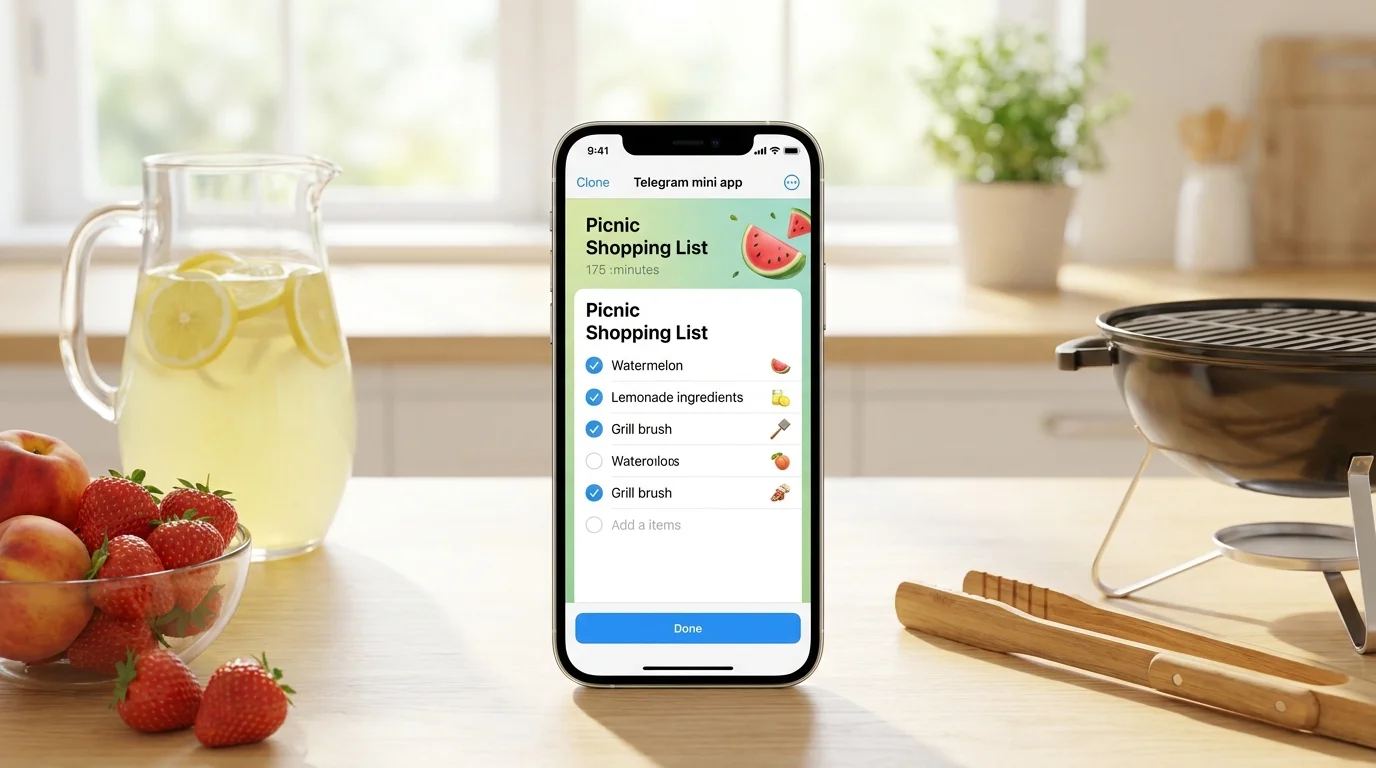
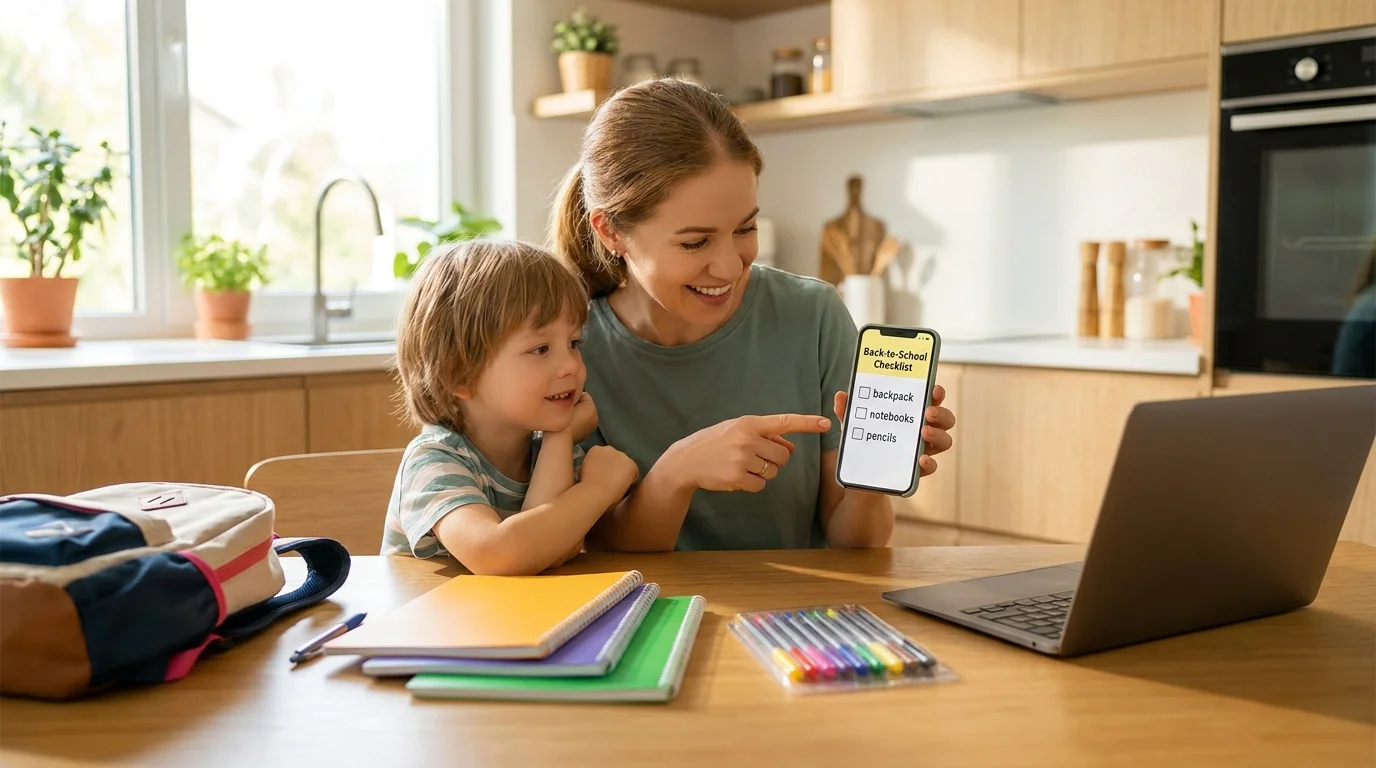
For the 2026 school year, Pickt has updated key features for shared shopping: accelerated real-time list synchronization, added more order to school purchases (categories, templates, repeat purchases), simplified task distribution among family members, and made budget control more visual. If you were looking for what's new in Pickt for the 2026 school year, below is a short, practical overview by section.
The back-to-school season always involves dozens of small items: notebooks, stationery, uniforms, spare shoes, snacks, household essentials. And most often, the problem isn't forgetting to buy something, but buying it twice or not agreeing on who gets what. Therefore, the 2026 updates in Pickt focus on speed, clarity, and responsibility distribution within a single list.
Faster Synchronization and Fewer "Parallel" Lists
In 2026, Pickt has noticeably sped up list updates between participants: changes (additions, "purchased" marks, quantity edits) appear almost instantly, even with unstable mobile internet. This is especially important in August and early September, when shopping happens "on the go" — on public transport, in queues, in different stores.
The updates also improved conflict handling when multiple people edit the same item simultaneously. In practice, this reduces the likelihood of the "I've already bought it, but it's still showing for you" situation and helps keep the shared list in one up-to-date state.
- New items appear faster for all participants.
- The "purchased" mark works more stably with poor connection.
- Fewer discrepancies when two people edit the list at once.
"Back to School 2026" Templates and Repeat Purchases
One of the most practical ideas of the season is not to build a school list from scratch every year. In 2026, Pickt makes it easier to work with recurring purchases and pre-prepared sets: you can quickly create a list foundation and then tailor it to the class, teacher's requirements, and your child's habits.
This addresses the typical query "school shopping list" and saves time on routine. Instead of remembering "what else is needed," you start with a ready-made framework and edit the details: notebook format, number of pens, folder type, uniform size.
What's convenient to add to a school shopping template
- Stationery: notebooks (grid/ruled), pens, pencils, erasers, rulers, glue, scissors.
- Organization: folders, file sleeves, covers, pencil case, badge/holder.
- Clothing and footwear: uniform, spare shoes, sports uniform, socks/tights.
- Household: water bottle, lunchbox, napkins, hand sanitizer, band-aids.
If some purchases repeat monthly (e.g., snacks, water, wet wipes), it's convenient to keep them as regular items and simply "return" them to the list as needed.
Categories and Order: Less Chaos in Large Lists
By the start of the school year, the list can easily grow to 40–80 items: some for "school," some for "home," some for "extracurricular activities." In 2026, Pickt emphasizes structuring: it's become easier to group purchases by categories and maintain order so the list is readable at a glance.
This also helps in the store: you quickly go through departments without jumping between "notebooks — milk — socks — glue." And at home, it's easier to check if everything is ready for September 1st without scrolling through a chaotic feed of items.
Example structure for a family list in August–September
- School: Stationery
- School: Uniform and footwear
- Extracurricular/Sports
- Home: Household items
- Food/Snacks
This order is especially useful if multiple adults are involved in the list: each sees "their" part and doesn't interfere with others.
Collaborative Work: Task Distribution Without Extra Messages
Seasonal shopping often turns into a chat with 200 messages: "Buy notebooks," "Which ones?", "I already got them," "What about covers?" In 2026, Pickt develops the "list instead of messaging" scenario: you maintain a single list, and all participants see the current state in real time.
This is especially convenient for families, couples, or roommates: one goes to the local store, another to the stationery shop, a third to the marketplace. The list remains one, and progress is shared.
- Fewer duplicates: one marks "purchased" — everyone sees it.
- Easier to agree: who takes what is visible right in the list.
- Easier to monitor readiness: the school block is done — you can relax.
Pickt works as a free mini-app in Telegram, so joining a shared list is usually easier than installing a separate service: just open the Mini App and start adding items. If needed, use the bot @PicktBot or the link t.me/PicktBot/app.
Budget Control and "Smart" Quantities: Fewer Unnecessary Expenses
By the new school year, expenses can easily spiral out of control: "seems like small stuff," but at the checkout, it adds up to a significant amount. In the 2026 updates, Pickt focuses on more careful handling of quantities and notes for items — this helps buy exactly what's needed and avoid overpaying due to mistakes.
A practical tip: add clarifications to items (format, brand, teacher's requirements, size) and quantities. Then, even if the purchase is made by someone other than the person who compiled the list, the chance of buying the "wrong thing" is significantly lower.
Which notes actually save money
- "Notebooks: 12 sheets, ruled, 10 pcs."
- "Folder: A4 with elastic band, 2 pcs."
- "Paints: gouache 12 colors, not watercolor"
- "Sneakers: white sole, size 34"
This approach effectively addresses related queries like "shared shopping list in Telegram" and "how to get your child ready for school without extra spending": you record the requirements once and use them with the whole family.
Reliability During the 2026 Peak Season: When Everyone Shops at Once
August and the first weeks of September are peak load times for any list and delivery services: people are mass-preparing children for school, updating wardrobes, buying household items. In 2026, Pickt focused on the stability of the Mini App in Telegram: fewer delays when opening a list, more predictable performance when switching between networks and devices.
For the user, this simply means: you open the list at the shelf — and it's immediately up-to-date. You mark "purchased" — and at home, they see it without "refresh, it hasn't updated for me."
How to Quickly Create a School List in Pickt: A 15-Minute Mini Checklist
If you want to use the season's updates most practically, start with a short one-evening scenario. It's suitable both for those trying Pickt for the first time and for those who maintain family lists year-round.
- Gather requirements: photo/message from the teacher, school list, extracurricular needs.
- Create blocks: "Stationery," "Uniform," "Sports," "Snacks," "Home."
- Add quantities and notes for disputed items (format, size, color).
- Divide the shopping: who goes for stationery, who for clothing, who to the supermarket.
- During the process, mark purchased items — the list syncs for everyone.
This scenario directly addresses the question "what's new in Pickt for the 2026 school year": the main change is less manual coordination and more order in one shared list.
Conclusion
The Pickt updates for the 2026 school year are about speed, structure, and collaborative work without extra messaging. Lists sync more stably, school purchases are easier to assemble from repeatable blocks, and details like quantities and notes help save money and avoid mistakes.
If August–September traditionally means a "shopping race" for you, try maintaining one shared list and sharing it with loved ones: this way, you'll finish school preparations faster and spend less on duplicates. Pickt as a mini-app in Telegram is well-suited for this scenario.
Frequently Asked Questions
Is Pickt a separate app or within Telegram?
Pickt is a free mini-app (Telegram Mini App). You open it within Telegram without installing a separate program.
Can I maintain one list for the whole family that updates for everyone?
Yes, that's the point: the shared list syncs in real time between participants. "Purchased" marks and changes are visible to all.
What's better: one large list or several by topic?
For the back-to-school season, 2–4 thematic blocks within one list (stationery/uniform/sports/home) are usually more convenient. If shopping happens in parallel in different places, you can split into several lists by task.
Where can I open Pickt?
The easiest way is through the bot @PicktBot or via the link t.me/PicktBot/app.